How to Use a Pomodoro Timer: Set Up Your First Focus Cycle
Twenty-five minutes is short enough that starting feels easy and long enough to get somewhere. That small bargain is the whole trick — the timer just keeps you honest about it.

A pomodoro is one focused session on one task, followed by a short break. With the classic settings — Focus 25 minutes, Short break 5 minutes, Long break 15 minutes — you work four sessions, take a short break after each of the first three, then the long break after the fourth. The full cycle runs 4 x 25 + 3 x 5 + 15 = 130 minutes, 100 of them focused work. Set the three fields, click Start, and work on that single task until the chime. The timer switches phases on its own, and every fourth focus session earns the long break.
What one full cycle looks like
The Pomodoro Technique comes from Francesco Cirillo, who developed it in the late 1980s. The classic pattern: 25 minutes of focus, a 5-minute short break, repeat, and after four focus sessions a longer break of 15 to 30 minutes. On the timer below the long break defaults to 15, so one full cycle is four focus sessions, three short breaks and one long break.
Read it as a clock: focus 25, break 5, focus 25, break 5, focus 25, break 5, focus 25, long break 15. Add it up: 100 minutes of work, 15 minutes of short breaks and a 15-minute long break — 130 minutes from the first Start to the end of the long break. The display always tells you where you are, with a mode label that reads Focus, Short break or Long break, and a soft chime marks each change. Breaks are part of the method, not a prize for finishing. Take them even when the work is going well — stopping on purpose is what makes the next session start cleanly.
Set up your first cycle in seven steps
You need one task, three numbers and the Start button. That is the entire setup.
- Pick one task for the first session and write it down — a single pomodoro holds a single task.
- Set the three fields: Focus (min) 25, Short break 5 and Long break 15 are the classic starting point; shorten or lengthen them only if you already know your rhythm.
- Click Start and work on that one task until the chime. Do not pause to check messages; jot distractions on paper and keep going.
- When the focus session ends, take the short break away from the screen — the timer switches phase on its own and chimes again when the break is over.
- Repeat. After every fourth focus session the timer gives you the long break instead of a short one.
- If something urgent interrupts a session and cannot wait, treat that pomodoro as void: deal with the interruption, then restart the session from the top.
- At the end of the day, read the Completed sessions counter to plan tomorrow — and note that the count resets when you leave the page, so copy it down if you want a record.
Two field notes. The duration fields take whole minutes from 1 to 999, and an entry outside that range brings up an error note. Start toggles to pause while the timer runs, with Reset next to it.
Plan real work in pomodoros, not hours
Once a cycle or two feels normal, stop estimating your day in hours and start counting sessions. Hours are vague. Sessions are countable, and the Completed sessions counter does the counting for you. Say you have 2 hours for exam revision. Plan it as one cycle of four pomodoros — 130 minutes on the clock with breaks — split into four named blocks: past paper, weak topic, flashcards, past paper again. You know before you start whether the plan fits.

A report works the same way in three pomodoros. Session one: outline only. Session two: rough draft, written fast, gaps left where a figure needs checking. Session three: edit, fill the gaps and cut. That is 75 minutes of writing across about 85 minutes with two short breaks, and each session has a finish line you can reach. If a task needs more than five or six sessions, split it into smaller tasks first.
Interruptions and the void rule
Interruptions come in two kinds. The internal kind — you suddenly remember an email, a bill, an idea for something else — gets written on paper in under ten seconds and handled later. You stay in the session. The external kind is someone at your desk or a call you cannot defer. Cirillo’s rule is blunt: a pomodoro interrupted that way is void. It does not count, even if you had 22 of the 25 minutes done. Deal with the interruption, then restart from the top.
That sounds harsh. But the rule protects the count: if half-finished sessions counted, your Completed sessions total would flatter you and tomorrow’s estimates would be built on sand. A void session still teaches you something — whatever interrupted you will probably try again, so tomorrow you can warn people or schedule around it.
Mistakes that quietly break the method
Skipping breaks is the classic. You feel fine at minute 25, roll straight into the next session, and by the third one your focus is mush. The breaks are load-bearing — short, screen-free pauses help you hold concentration across a cycle. Second: spending breaks on your phone. Scrolling is not rest for your attention. Walk, stretch, get water. Third: multitasking inside a session, which breaks the one-task rule the method rests on. Fourth: setting 90-minute sessions and calling them pomodoros. Longer blocks can work as deep work, but they are a different tool — you lose the easy start, the frequent breaks and the honest count. Last: starting without the task written down. If it is not on paper, you will renegotiate it mid-session, and renegotiation is just distraction wearing a sensible hat.
The Verystep Pomodoro Timer opens at 25:00 in Focus mode, with Focus (min), Short break and Long break fields set to 25, 5 and 15, a Start button that toggles to pause while it runs, and a Reset button beside it. It chimes at the end of each phase, switches to the next phase on its own, gives you the long break after every fourth focus session, and keeps a Completed sessions counter on screen. It runs fully in your browser, with no account and nothing stored.
Last verified November 21, 2026 — Focus (min), Short break and Long break fields with defaults 25, 5 and 15 and whole-minute values from 1 to 999, the Start button toggling to pause, the Reset button, the Focus, Short break and Long break mode labels, the end-of-phase chime with automatic phase switching, the long break after every fourth focus session and the Completed sessions counter checked against the live Verystep Pomodoro Timer, and the cycle arithmetic recomputed by hand: 4 x 25 + 3 x 5 + 15 = 130 minutes elapsed, of which 100 minutes is focused work.
Frequently asked questions
Why 25 minutes?
It is the classic default from Cirillo’s original method: long enough to make real progress on one task, short enough that starting never feels like a big commitment. Plenty of people settle between 15 and 50 minutes once they know their rhythm. Start at 25, run a few full cycles, then adjust the Focus (min) field if the evidence says to.
Does the timer notify me when a session ends?
Yes. When a phase ends the timer plays a soft chime and switches to the next phase automatically — focus to short break, break to focus, and to the long break after every fourth focus session. The mode label on the display changes too, so a glance tells you which phase you are in. You do not need to press anything between phases.
Is my session data stored anywhere?
No. The Completed sessions counter lives on the page only, and it resets when you leave. Nothing is saved, there is no account and no history to look back through. If you want a record for planning, copy the count down at the end of the day before you close the tab — step seven exists for exactly that reason.
What if my task takes less than 25 minutes?
Batch it. Group several small tasks of the same kind — replying to three short emails, filing receipts, renaming a folder of photos — into one session and work through the pile until the chime. Do not end the session early and call the leftover minutes a break. Finish the block with the next small task, or use the remaining minutes to tidy up for the next session.
What counts as an interruption, and what is the void rule?
A thought you can write down in ten seconds — an email to send, a thing to buy — is a distraction, not an interruption: note it and keep working. An interruption is something external that cannot wait, like an urgent call or a person who needs you now. Under the void rule, a session interrupted that way does not count as completed, however far through it you were. Handle the interruption, then restart the session from the beginning.
More guides
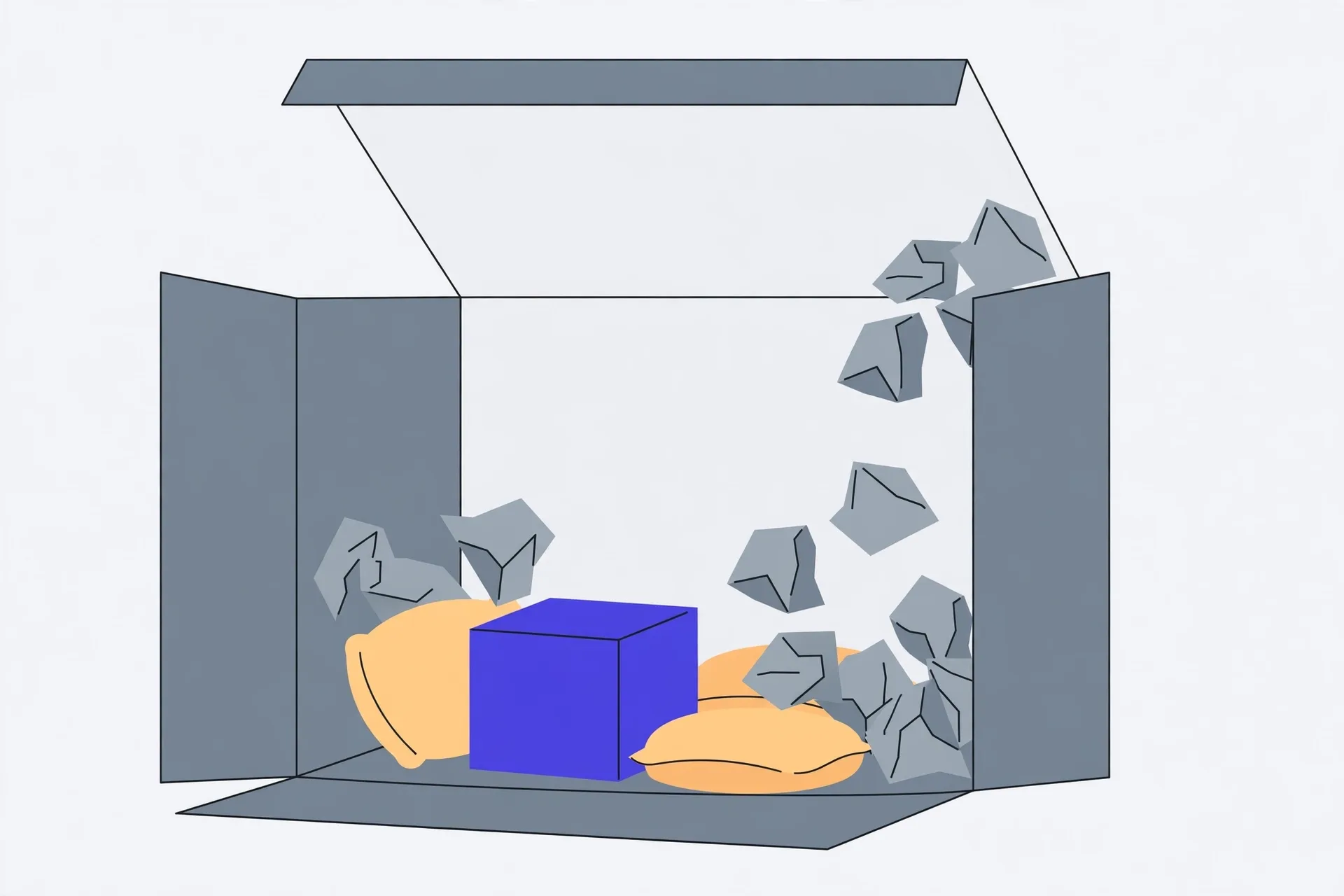
The PPWR Empty Space Ratio: Why the 50% Cap Hits Your Shipping Box First
Ask a room of online sellers what the PPWR will change first and most will say labels. The duty with a number in it is quieter: from 2030 at the earliest, no more than half the volume of your shipping box may be empty — and the filler you stuff into it counts as empty.
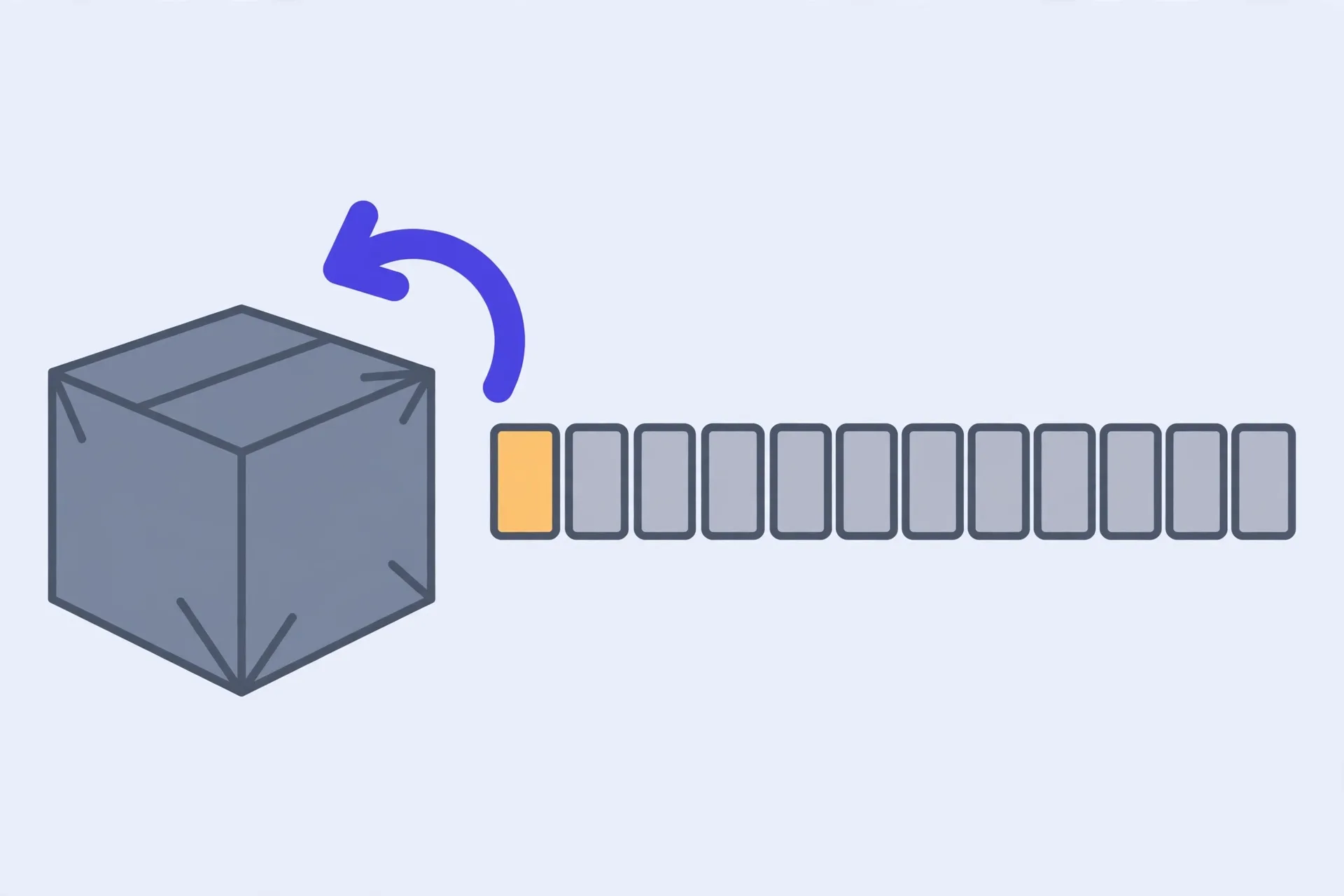
Counting a Return Window: The EU 14-Day Cooling-Off Period Starts the Day After Delivery
A shop page says “14 days to return”. Fourteen days from when — the order, the dispatch, the delivery? And counted how — in calendar days or working days? EU law answers both questions, and the answers are not the ones most countdown banners use.

How to Check Gift Return Eligibility Without a Receipt
Black Friday is over, the gifts are changing hands, and some of them are the wrong size, the wrong color or the second one you own. There is no receipt — there never is with a gift — so the question is not “can I get my money back?” but “which route does this store actually offer someone in my position, and how long do I have?”