Subnets and CIDR Without the Headache
A subnet looks like maths homework until you see it for what it is: one address, cut in two places.
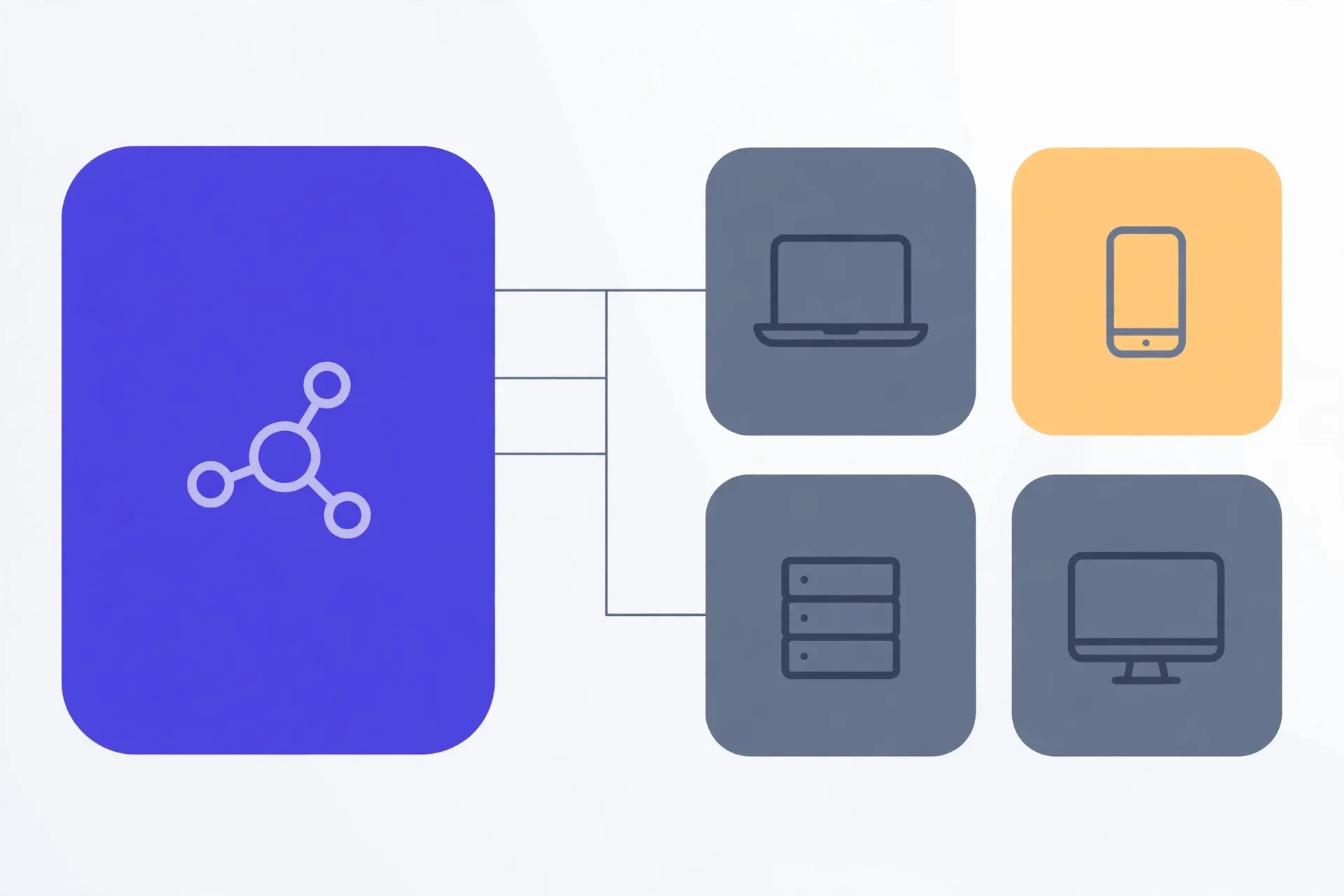
An IPv4 address is 32 bits split into a network part and a host part. A CIDR prefix such as /24 counts the network bits — 24 network, 8 host — and the dotted mask 255.255.255.0 says exactly the same thing. A block holds 2^(32 − prefix) addresses, normally with two unusable: the network address (host bits all zero) and the broadcast address (all one). So 192.168.1.37/24 sits on network 192.168.1.0, broadcasts at 192.168.1.255, and offers 254 usable hosts. The exceptions are /31 (RFC 3021, both addresses usable on point-to-point links) and /32 (a single host).
An IP address is two addresses in one
An IPv4 address looks like one number. It is really two, glued together. The first part names the network — the street, if you like. The last part names one host on that network — the house.
Here is the catch: nothing in 192.168.1.37 tells you where the street ends and the house begins. That split is a separate piece of information, and it is exactly what a subnet mask — or a CIDR prefix — supplies. Get the split wrong and two devices can sit side by side yet disagree about whether they are neighbours at all.
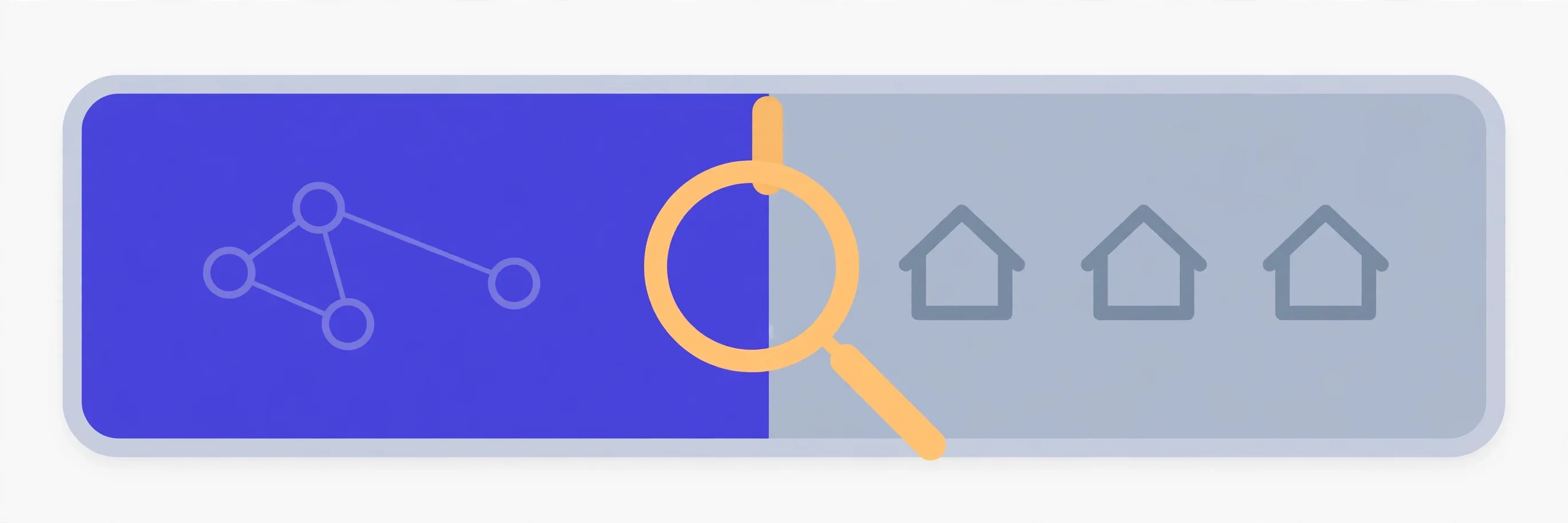
Once you see an address as network plus host, the rest of subnetting is arithmetic. Honestly, most of it is counting in powers of two.
CIDR is just counting bits
An IPv4 address is 32 bits. A CIDR prefix counts how many of those bits, from the left, belong to the network. /24 means 24 network bits and 8 host bits. /26 means 26 and 6. The slash number is the whole mask, compressed into one count.
The dotted mask says the same thing the long way. Write the prefix as 32 bits — that many ones, then zeros — group them in fours of eight, and convert each group. /24 becomes 255.255.255.0. /25 becomes 255.255.255.128. They are not two systems; one is shorthand for the other.
| Prefix | Mask | Addresses | Usable hosts |
|---|---|---|---|
| /24 | 255.255.255.0 | 256 | 254 |
| /25 | 255.255.255.128 | 128 | 126 |
| /26 | 255.255.255.192 | 64 | 62 |
| /27 | 255.255.255.224 | 32 | 30 |
| /28 | 255.255.255.240 | 16 | 14 |
| /30 | 255.255.255.252 | 4 | 2 |
| /16 | 255.255.0.0 | 65,536 | 65,534 |
Spot the pattern. Each step up in the prefix halves the block. /24 holds 256 addresses, /25 holds 128, /26 holds 64. The formula is plain: total addresses = 2(32 − prefix). Usable hosts are normally two fewer — the reason is in the worked example below.
One rule keeps masks valid: the ones must be contiguous. 255.255.255.0 is fine. A mask with ones and zeros mixed up in the middle is not a mask at all, and a decent calculator will refuse it.
Worked example: 192.168.1.37/24
Take a real address you will meet in almost every home: 192.168.1.37/24. The /24 says the first three groups are the network and the last group is the host. So this device is host 37 on network 192.168.1.0.
Two addresses in every normal subnet are spoken for. The lowest, all host bits zero, is the network address — 192.168.1.0 here. It names the network itself and no device may take it. The highest, all host bits one, is the broadcast address — 192.168.1.255 — used to talk to every host at once. Neither can be assigned, which is why 256 addresses leave 254 usable hosts, running from 192.168.1.1 to 192.168.1.254.
The calculator below derives those the binary way — address AND mask gives the network, network OR the inverted mask gives broadcast — but you rarely need the binary. Hold the split in your head and the four numbers fall out: network, broadcast, first usable, last usable.
Splitting one network into smaller ones
Subnetting is just moving the divider right. Start with 192.168.1.0/24 and borrow one bit: you get two /25 networks, 192.168.1.0 and 192.168.1.128, each with 126 usable hosts. Borrow two bits and you get four /26 networks — .0, .64, .128 and .192 — each with 62 usable hosts.
Why bother? Separation, mostly. Put printers on one subnet, guests on another, and a misbehaving device disturbs only its own block. Smaller blocks also mean smaller broadcast chatter. The cost is waste: every subnet you carve pays the two-address tax, so carving a /24 into sixteen /28s burns 32 addresses on network and broadcast duty alone.
A quick sizing habit helps. Need about 50 hosts? A /26 gives 62 usable — enough, with a little headroom. Need 60? Still a /26, but tight. Need 70? You have outgrown it; step down to a /25. Always size for the hosts you will have next year, not the ones on today's spreadsheet.
Private ranges and two odd prefixes
Most addresses in this guide are private — set aside for use inside your own network and never routed on the public internet. There are three blocks: 10.0.0.0/8, 172.16.0.0/12 and 192.168.0.0/16. Your home router almost certainly hands out addresses from the last one. That is why your 192.168.1.37 can exist in millions of homes at once without a clash — each home is its own island, joined to the internet through NAT.
Two prefixes break the “minus two” rule. A /32 is a single address — one host, no network or broadcast waste — and route tables use it to point at exactly one machine. A /31 holds two addresses and, under RFC 3021, both are usable: on a point-to-point link between two routers there is nobody to broadcast to, so the old reservation buys nothing. The calculator below handles both cases instead of blindly subtracting two.
Read any subnet, step by step
- Find the prefix. If you were given a dotted mask instead, count its one-bits — or read it off the table above.
- Work out the block size: 2(32 − prefix). That is your total address count.
- Take usable hosts as total minus two — unless the prefix is /31 or /32, where the edge rules above apply.
- Set the host bits to zero for the network address, and to one for broadcast. Usable hosts live strictly between them.
- Paste the address and prefix into the calculator below and compare every line — network, broadcast, range, wildcard mask. A mismatch usually means the split point, not the arithmetic, was off.
That is the whole headache, gone. A subnet is a block, a CIDR prefix is where the block is cut, and every other number is bookkeeping.
The Verystep Subnet Calculator takes an IPv4 address with a CIDR prefix or a dotted mask and returns the network address, broadcast address, usable host range, wildcard mask and the binary — including the /31 and /32 edge cases above. It runs in your browser; nothing is sent anywhere.
Last verified November 5, 2026 — prefix, mask and usable-host figures cross-checked against the calculator below, with the /31 behaviour per RFC 3021.
Frequently asked questions
What is the difference between /24 and 255.255.255.0?
None. They are two notations for the same mask. /24 counts 24 network bits; written out in binary and grouped into octets, those bits become 255.255.255.0. Use whichever form the tool in front of you asks for.
Why are two addresses in every subnet unusable?
The lowest address, with host bits all zero, identifies the network itself, and the highest, with host bits all one, is the broadcast address for reaching every host at once. Neither can belong to a device — except under the /31 point-to-point rule, where both addresses are usable.
How many hosts fit in a /26?
A /26 holds 2^6 = 64 addresses in total, of which 62 are usable hosts once the network and broadcast addresses are set aside. It is the usual pick for a segment of roughly 50 devices.
Is 192.168.1.37 a public address?
No. It falls inside 192.168.0.0/16, one of the three private ranges (with 10.0.0.0/8 and 172.16.0.0/12). Private addresses work only inside a local network and reach the internet through NAT at the router.
Does this work for IPv6?
The ideas carry over — a prefix still counts network bits — but the numbers do not: IPv6 addresses are 128 bits and there is no broadcast address. The calculator below is IPv4 only, and says so.
More guides
How to Embed a Verystep Tool in WordPress (Self-Hosted)
Self-hosted WordPress is the easiest embed there is: one block, one paste, done.
How to Embed a Verystep Tool on WordPress.com (and the Plan Catch)
Same editor as self-hosted WordPress — but your plan decides whether the iframe survives.
How to Embed a Verystep Tool on a Wix Site
Wix gives you two ways in — paste the code, or just hand it the address.