Passport & ID Photo Sizes by Country: mm, Inches and Pixels
Four sizes cover most of the world. The one that surprises people is China — and Canada’s is bigger than everyone else’s.
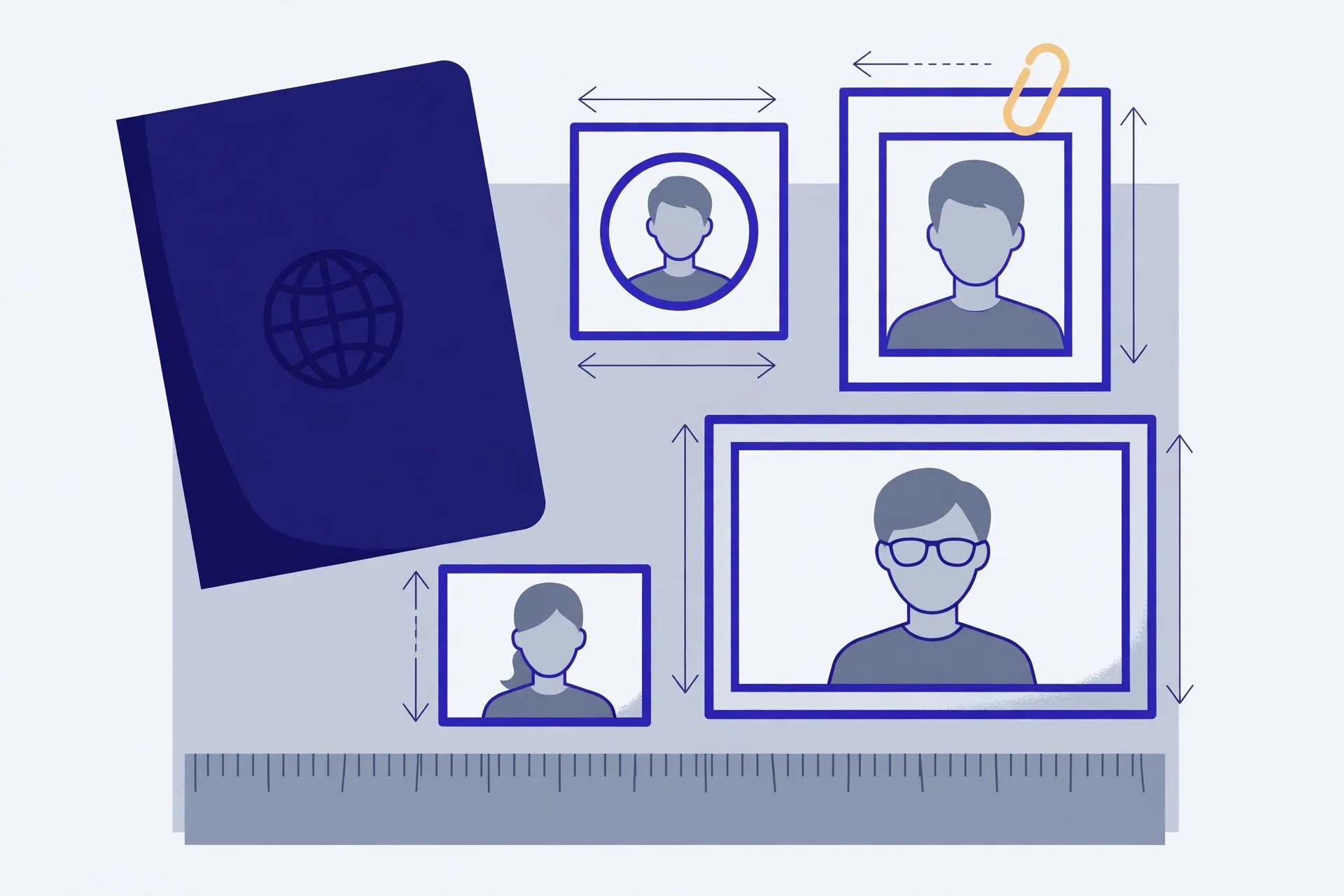
Most passport photos are one of four sizes: 35×45 mm (EU, UK, Japan, South Korea, Schengen visas), 2×2 inches (US and India), 33×48 mm (China, passport and visa) or 50×70 mm (Canada). At the 300 DPI that online portals expect, those become 413×531, 600×600, 390×567 and 591×827 pixels. The right size is only half the story, though — more photos are rejected for head size and framing than for dimensions, so the table includes the head rule for each country too.
The size table
| Country / document | Print size | Pixels at 300 DPI | Head rule |
|---|---|---|---|
| EU & UK passport | 35 × 45 mm | 413 × 531 | Head (crown to chin) 29–34 mm |
| Japan passport | 35 × 45 mm | 413 × 531 | Head 32–36 mm |
| South Korea passport | 35 × 45 mm | 413 × 531 | Head 32–36 mm |
| Schengen visa | 35 × 45 mm | 413 × 531 | Face takes up 70–80% of the height |
| Australia passport | 35 × 45 mm | 413 × 531 | Head (chin to crown) 32–36 mm |
| China passport | 33 × 48 mm | 390 × 567 | Head width 15–22 mm, height 28–33 mm |
| China visa | 33 × 48 mm | 390 × 567 | Same framing family as the passport spec |
| China ID card | 26 × 32 mm | 307 × 378 | Digital original is captured at 358 × 441 px |
| US passport & visa | 2 × 2 in (51 × 51 mm) | 600 × 600 | Head 1–1⅜ in (25–35 mm); eyes 1⅛–1⅜ in from the bottom |
| India passport | 2 × 2 in (51 × 51 mm) | 600 × 600 | No fixed mm band published — follow the portal’s framing guide |
| Canada passport | 50 × 70 mm | 591 × 827 | Head (chin to crown) 31–36 mm |
Two traps hide in this table. First, 35×45 mm is not 2×2 inches with another name: the aspect ratios differ (roughly 0.78 against 1.0), so cropping a square US photo to the European size cuts the head band differently and can push it outside the allowed range. Second, China’s 33×48 mm looks like the European size at a glance but is narrower and taller — a 35×45 photo submitted to a Chinese portal fails on dimensions before a human ever sees it.
Pixels are just print size in disguise
Portals do not measure your photo with a ruler; they count pixels and assume 300 DPI. The conversion is simple: pixels = millimetres ÷ 25.4 × 300. So the European width, 35 mm, becomes 35 ÷ 25.4 × 300 ≈ 413 px, and its height 45 mm becomes 531 px. That is why the same 35×45 mm photo is also quoted as 413×531 — and why a file with the right print size but the wrong pixel count (a 150 DPI export, say) still gets rejected by an online checker.
Framing: the rules that reject more photos than size does
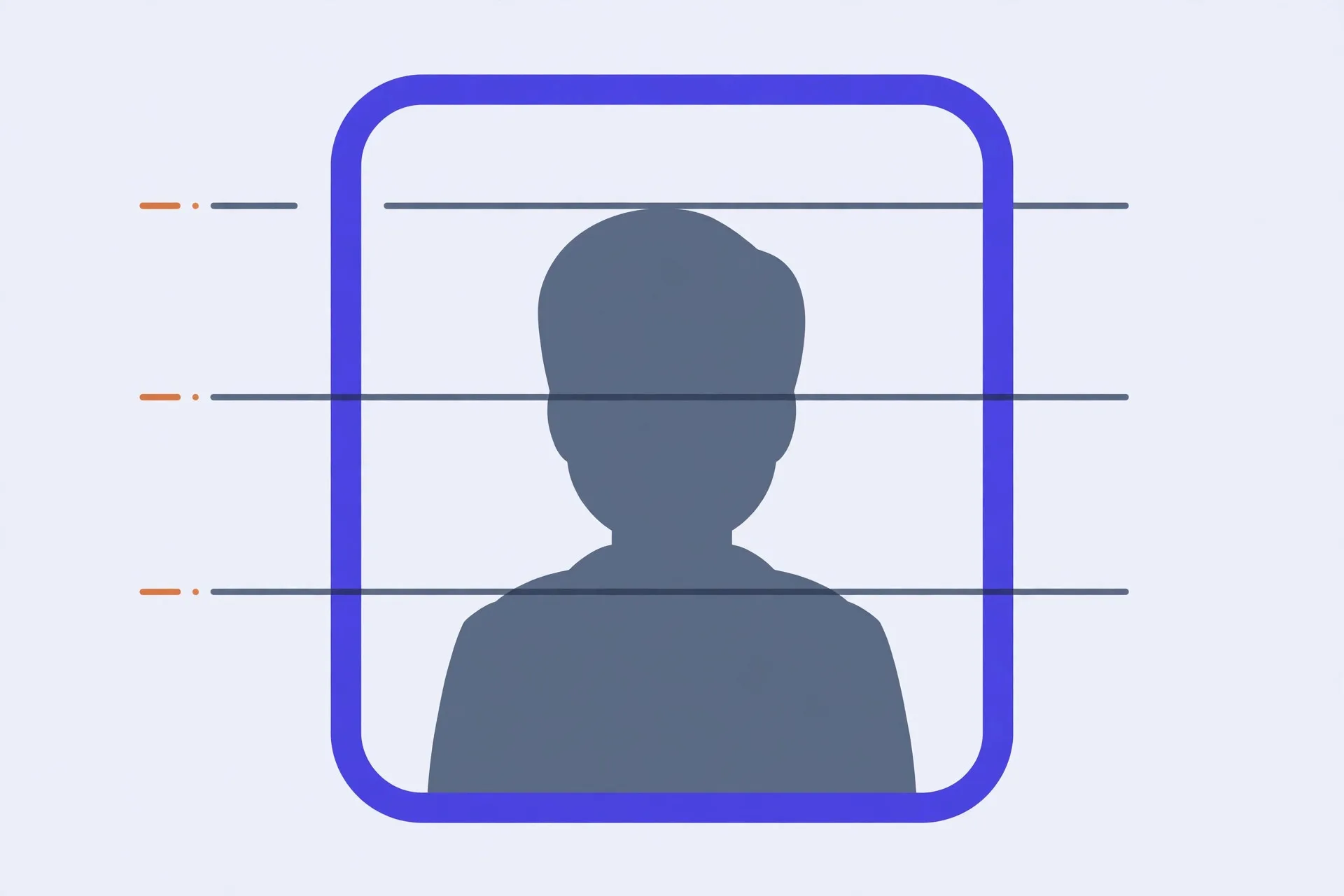
Every system in the table also fixes how much of the frame your head may occupy, and this is where home-taken photos usually fail. The head is too small because the photo was taken from too far away, or too large because it was cropped aggressively to reach the pixel count. Aim for the middle of your country’s band, keep the eyes level and open, and leave a little air above the crown.
The rest of the checklist is dull but decisive: plain light background with no shadows across it, no head covering except for religious or medical reasons, a recent photo (six months is the usual limit), and a neutral expression. Glasses rules differ — the US has banned them in passport photos since 2016, while several other countries still allow them if the eyes are fully visible. Check your own authority’s page before the appointment, not after a rejection.
Resizing a photo to an exact size
- Start from a photo that is larger than the target size — you can crop down, but upscaling a small photo blurs it and some portals detect that.
- In the resizer below, pick your document’s preset. The pixel dimensions are already set from the table.
- Drag the crop so the head sits inside its band: crown not touching the top, chin well above the bottom edge.
- Download and, if the portal offers a preview check, run it before paying any application fee.
One honest limit: resizing fixes dimensions, not compliance. A photo with the wrong background, a smile showing teeth where that is banned, or a shadow across the face stays non-compliant at any pixel count. The tool gets the geometry right; the photograph itself is still on you.
The Verystep passport photo resizer carries presets for every size in the table above — China passport and visa, EU/UK, US/India, Canada, Japan, Korea, Schengen and the Chinese ID card. Pick the preset, line up the crop, download the exact pixel dimensions. It runs in your browser; your photo is never uploaded.
Last verified October 23, 2026 — sizes cross-checked against official passport-photo guidance (including the Chinese embassy specification for 33×48 mm) and the presets used by the resizer below, under this site’s standing spec watch.
Frequently asked questions
What size is a US passport photo?
2 × 2 inches (51 × 51 mm). For digital submission that is 600 × 600 pixels at 300 DPI, with your head between 1 and 1⅜ inches (25–35 mm) tall and your eye level 1⅛ to 1⅜ inches from the bottom edge.
Is 35×45 mm the same as a 2×2 inch photo?
No. They are different sizes with different aspect ratios — 35×45 mm is narrower relative to its height. A photo framed for one will usually break the head-size rule of the other.
Why did the portal reject my photo if the pixels were right?
Dimensions are the easiest check to pass. Rejections more often come from framing: head too large or small for the band, eyes not level, shadows on the face or background, or a photo older than the allowed period.
Can I just resize a smaller photo up to 600×600?
You can, but you should not. Upscaling invents no detail; the result is soft, and several portals flag it. Retake the photo closer, or crop from a larger original.
What DPI should a passport photo be?
300 DPI is the working standard behind nearly every published pixel figure. If a portal gives pixels only, match the pixels exactly and the DPI question answers itself.
More guides
BMI, BMR and TDEE: Three Numbers, Three Different Jobs
One is a ratio, one is an idling cost, one is a daily total. Compare them as if they were the same kind of number and every one of them will mislead you.

Time Zone Math: Why Your Meeting Keeps Landing at 3 A.M.
Nobody on your team is bad at arithmetic. The offset they memorised quietly expired — that's the whole story behind the 3 a.m. meeting.

JSON Without Tears: Structure, and the Five Errors Everyone Makes
One missing comma can break a whole API call — and the error message will blame the wrong line. Here's the tree underneath the text, and the five mistakes that account for nearly every broken file.