JSON Without Tears: Structure, and the Five Errors Everyone Makes
One missing comma can break a whole API call — and the error message will blame the wrong line. Here's the tree underneath the text, and the five mistakes that account for nearly every broken file.
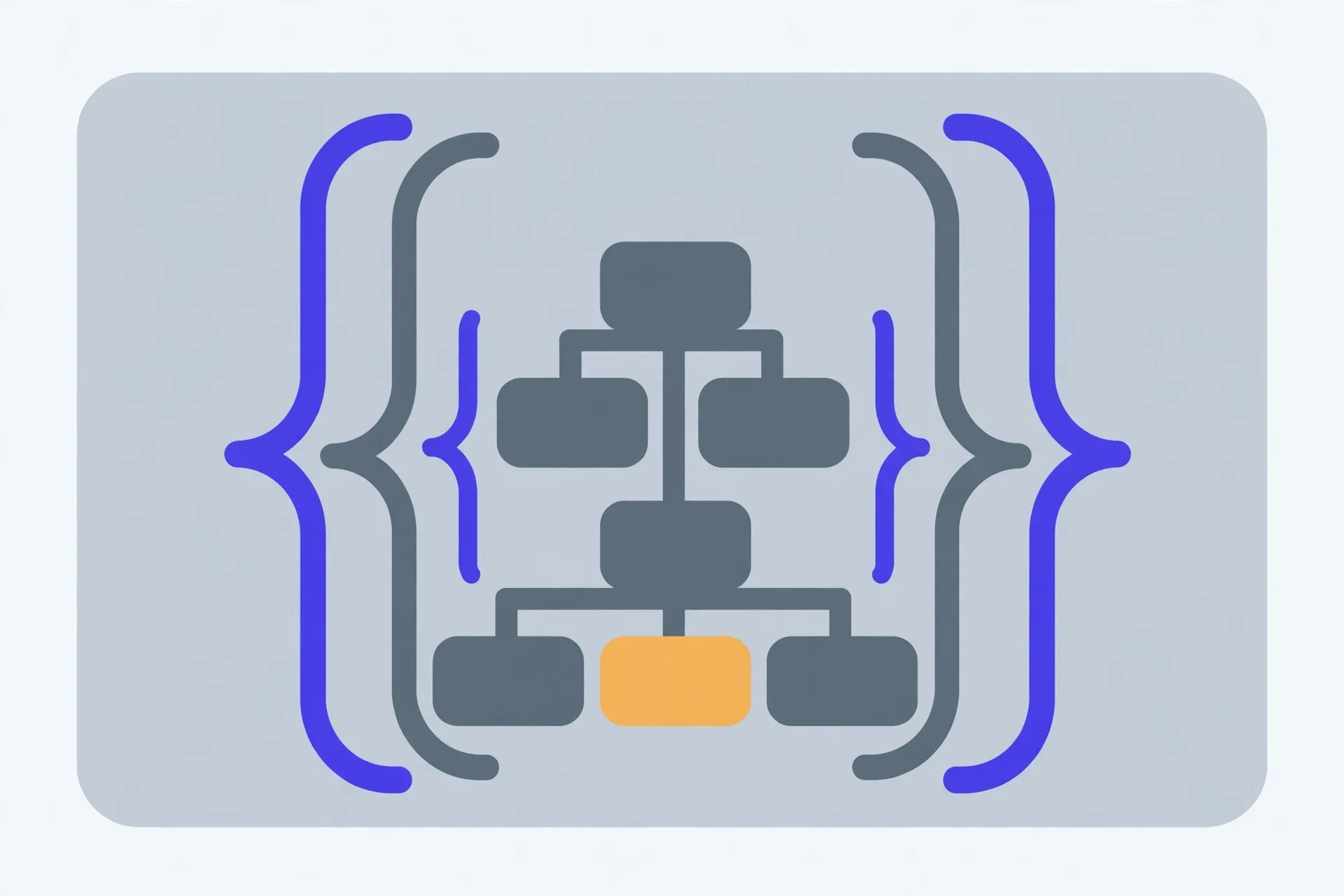
JSON (RFC 8259) is a tree built from six value types: objects, arrays, strings, numbers, true/false and null. Formatting and minifying only change whitespace; validating checks whether the text is legal JSON at all. Nearly every broken file fails for one of five reasons — single quotes, trailing commas, unquoted keys, comments, or foreign literals like Python's True and None — and the parser normally reports the position where it got stuck, which is often one token after the actual mistake. Valid also isn't the same as right: a quoted "false" still isn't the boolean.
It isn't text. It's a tree.
People meet JSON as a wall of text, usually one long line spat out by an API, and they read it the way they'd read a paragraph. That's the first mistake. JSON — JavaScript Object Notation, standardised as RFC 8259 — is a tree. At the top sits one value. That value can hold smaller values, which hold smaller ones still, the way a folder holds folders. Once you see the tree, the wall of text stops being scary: it's just the tree, flattened.
The whole format has only six kinds of value. An object is a set of named pairs in curly braces — {"name": "Ada", "age": 36}. An array is an ordered list in square brackets — [1, 2, 3]. Then come strings, which always wear double quotes, numbers, the literals true and false, and null, which means "nothing here" on purpose. That's the complete inventory. If a thing can't be built from those six, it isn't JSON — and a surprising amount of broken JSON is really some other language's habit smuggled in.
Notice what's missing. There's no date type, so dates travel as strings and two systems can disagree about what the string means. There's no way to mark a value as a comment or an explanation. And an object doesn't promise any order to its pairs, even though they arrive written in one.
Format, minify, validate: three different jobs
These three words get used as if they were synonyms. They're not. Formatting (pretty-printing) adds indentation and line breaks so a human can follow the nesting. Minifying strips every spare space and newline back out, shrinking the payload for the wire. Neither changes the data by a single value: {"a":1} and the same object spread over nine indented lines are, to every parser on earth, identical.
Validating is a different job entirely. A validator runs the text through a strict parser and tells you whether it's legal JSON at all — and if it isn't, roughly where the parser gave up. Run it before you send a request body anywhere. A missing comma caught locally is a clear sentence. The same comma, missed, becomes a cryptic 400 response from a server that won't tell you which character offended it.
The five errors everyone makes
Validators earn their keep on the same five mistakes, over and over. Every one of them is a habit imported from somewhere more forgiving — usually JavaScript itself, or Python.
1. Single quotes. JavaScript lets you write 'Ada'. JSON doesn't: strings — and keys — must use double quotes, so {'name': 'Ada'} fails at the very first character. This is the single most common reason hand-typed JSON bounces.
2. Trailing commas. A comma after the last pair or the last array item — {"a": 1,} — feels tidy and reads fine to a human. JSON's grammar has no slot for it. The parser reaches the closing brace while still expecting another value, and reports an error at the brace, one character past the comma that caused it.
3. Unquoted keys. In JavaScript, {name: "Ada"} is legal object shorthand. In JSON every key is a string, so every key gets its quotes: {"name": "Ada"}. Copy a JavaScript object into an API call without adding them and it won't parse.
4. Comments. JSON has no comment syntax — no //, no #, no block comments. People add a note to explain a field, and the parser trips over the slash. If a file needs an explanation, the explanation lives in a separate document. (Some tools accept dialects such as JSONC or JSON5 that allow comments and trailing commas. Those are friendlier formats, but they aren't JSON, and a strict parser will still reject them.)
5. Foreign literals. Python writes True, False and None; JavaScript adds undefined, NaN and Infinity. JSON admits only true, false and null, all lowercase, and its numbers are ordinary decimal numbers. A payload exported carelessly from Python code fails on exactly these words, and the fix is to translate them, not to argue with the parser.
The error is rarely where the parser points
Here's the part nobody warns you about. A parser reads left to right and reports the spot where it got stuck — not the spot where you went wrong. Those are often a line apart. Forget the comma between two pairs and the parser happily reads on until it meets the next key, can't make sense of it, and blames that line. The bug is on the line above.
So work backwards. When a validator names a position:
- Go to the reported position, then back up. Look at the token just before it first — a missing comma almost always hides there.
- Scan that neighbourhood for the five errors above: single quotes, a stray trailing comma, a bare key, a comment, a foreign literal.
- Fix one thing. Just one. Then validate again.
- Repeat until it parses. Only then format it — pretty-printing a valid file also proves the structure is what you thought it was, because you can finally see the tree.
Fixing one error at a time feels slow. It isn't.
Valid isn't the same as right
A green tick means the text parses. It says nothing about whether the data means what you intended. A string holding the word "false" is not the boolean false, and plenty of systems have shipped that bug. A number quoted as a string ("36" instead of 36) parses beautifully and then breaks a calculation downstream. Two pairs with the same key in one object are accepted by most parsers, which quietly keep the last one — your first value vanishes without a whisper. Validation is the floor, not the ceiling: it proves the tree is well-formed, and then a human still has to read it.
Two neighbouring tools earn their keep at this stage of the job. When a value has the wrong shape — an email address, an ID, a date — a regex tester lets you check the pattern against the actual strings before you ship it. And when a cleaned-up export still carries repeated entries, remove duplicate rows strips the repeats from a pasted list in one go.
The Verystep JSON Formatter & Validator pretty-prints nested data, minifies it back down, and explains validation errors in plain language, with the position the parser stopped at. It runs entirely in your browser — the data you paste is never uploaded, which makes it safe for API payloads and keys.
Last verified October 29, 2026 — the six value types, quoting and literal rules follow RFC 8259 as described on the tool page below.
Frequently asked questions
Is JSON a programming language?
No. It's a data format — a way of writing structured values as text so any system can read them. It borrows its looks from JavaScript's object syntax, which is where the name comes from, but JSON itself can't run, loop or compute anything.
What's the difference between formatting and minifying?
Whitespace. Formatting adds indentation and line breaks so people can read the nesting; minifying removes all of it to shrink the payload. Both files carry exactly the same data, and every parser treats them as identical.
Why does the validator point at the wrong line?
Because a parser reports where it got stuck, not where you slipped. A missing comma lets it read on happily until the next token makes no sense — that's the position it names. Look at the token just before the reported one first.
Can I put comments in a JSON file?
Not in JSON itself — the format has no comment syntax, and strict parsers reject // and # notes. Friendlier dialects such as JSONC and JSON5 allow comments and trailing commas, but they're separate formats; a file that needs to travel as JSON has to leave the comments behind.
Is an empty file valid JSON?
No. A JSON document has to contain a value — even if that value is just null, an empty object {} or an empty array []. A completely empty file has nothing for a parser to read, so it fails.
More guides
BMI, BMR and TDEE: Three Numbers, Three Different Jobs
One is a ratio, one is an idling cost, one is a daily total. Compare them as if they were the same kind of number and every one of them will mislead you.

Time Zone Math: Why Your Meeting Keeps Landing at 3 A.M.
Nobody on your team is bad at arithmetic. The offset they memorised quietly expired — that's the whole story behind the 3 a.m. meeting.

IBAN Explained: How to Read, Check and Trust an IBAN
It's the longest number on the invoice, and two of its digits exist purely to catch your typos. Here's how to read the rest.