How to Use a Credit Card Payoff Calculator to Pick a Payment
The minimum payment on a credit card is designed to keep the account open, not to clear it. A payoff calculator shows you, in months and dollars, what one fixed payment does instead.
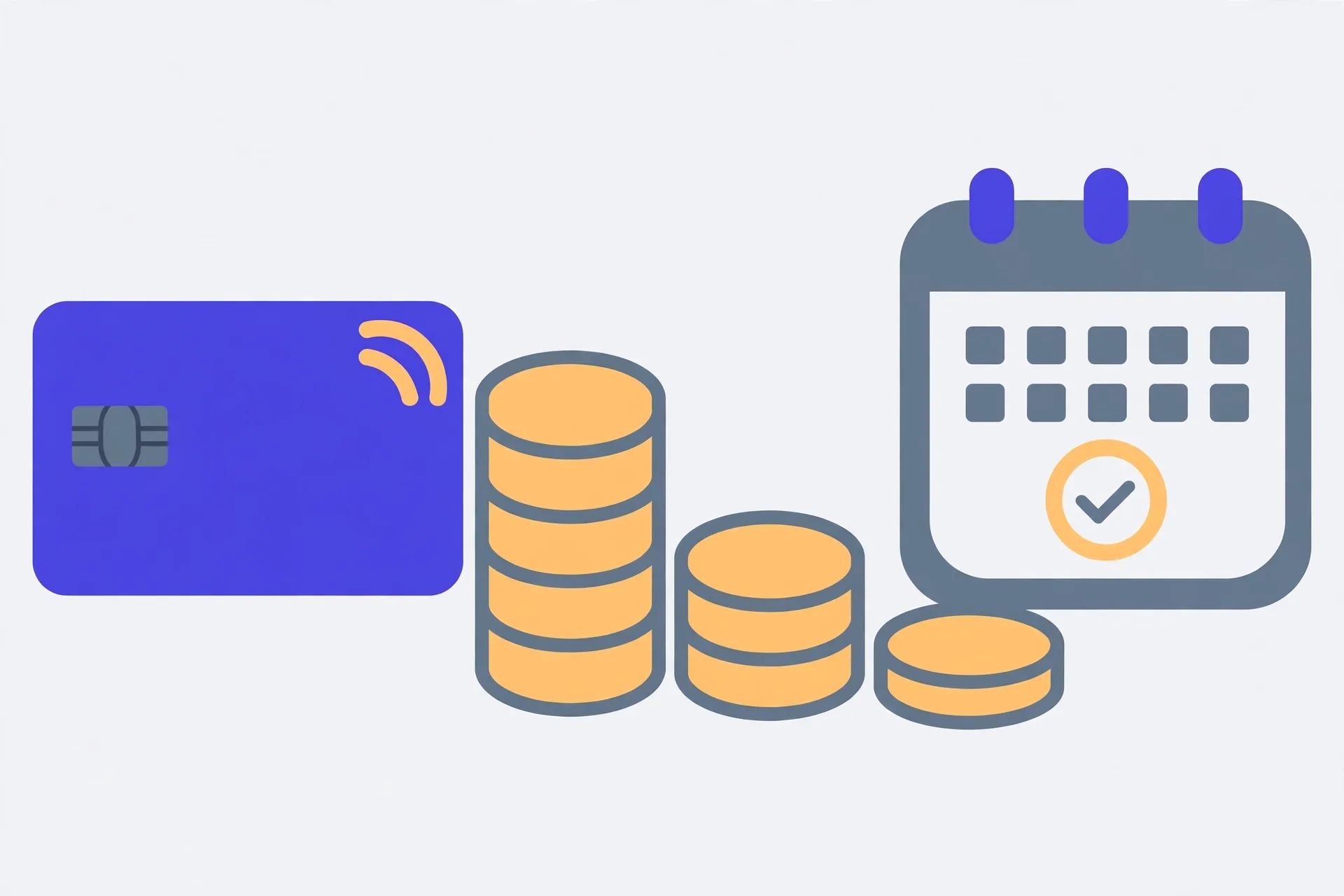
The Credit Card Payoff Calculator needs three numbers: your Card balance ($), your APR (%) and Your monthly payment ($). Click Calculate payoff and it projects the balance month by month at a fixed APR, assuming you add no new charges and pay no extra fees, until the balance reaches zero. The useful move isn't running it once. It's running it three times — with the minimum-style payment, with a payment you can comfortably afford, and with one that stretches you a little — and comparing the months and the total interest. On a typical balance, the gap between those runs is measured in years and thousands of dollars, and seeing it in print is what turns a vague intention to pay more into a specific amount.
What the calculator assumes, and why that matters
The projection rests on three assumptions, and they're worth knowing before you trust any number it gives you. First, the APR stays fixed for the whole payoff period. If your card has a promotional rate that expires, or a variable rate that moves, your real path will differ from the projection once the rate changes. Second, you add no new charges. Every purchase you put on the card while you're paying it down goes straight back onto the balance the calculator thinks is shrinking. Third, there are no fees — no late fees, no annual fee landing mid-plan.
Those assumptions don't make the result useless. They make it a clean comparison tool. You're not forecasting your exact future; you're comparing payment amounts against each other on level ground. A payment that wins under these tidy assumptions wins by even more in real life, because a shorter payoff leaves less time for rate changes and slip-ups to hurt you. Treat the months and interest figures as estimates for comparing options, not as a promise about your statement — and not as financial advice, which depends on your whole situation, not one balance.
Pick a payment in seven steps
Open the Credit Card Payoff Calculator with your latest statement nearby and work through it once for each payment amount you want to test.
- Find your current statement balance and APR, and enter them in the Card balance ($) and APR (%) fields.
- Enter the fixed amount you could pay every month in the Your monthly payment ($) field, using a figure you can repeat, not a one-off good month.
- Click Calculate payoff and note the months to clear the balance and the total interest you'll pay.
- Change the monthly payment — try $25 and then $50 more — and run Calculate payoff again to see how the payoff time and interest move.
- Compare the fixed-payment result with paying only the minimum each month, where the payment shrinks as the balance falls.
- Pick the highest fixed payment you can sustain every month, and check it clears the balance in a timeframe you can live with.
- Set that amount as a fixed payment with your card issuer, and re-run the numbers if your balance or APR changes.
Step two carries the whole exercise. A payment you can hit in a bad month — a month with a car repair or a short paycheck — beats a heroic payment you abandon by March. The calculator can't judge that for you. It can only show you what each candidate amount buys you, which is exactly the information you need to judge it yourself.
A worked example: $5,000 at 24% APR
Say you owe $5,000 and your APR is 24%, which works out to 2% a month. In the first month the interest alone is $100 — 2% of $5,000 — so a $200 payment clears $100 of interest and $100 of balance, leaving $4,900. The second month's interest is $98, so $102 comes off the balance. That split keeps tilting in your favour, and if you hold the $200 payment steady, the balance is gone in 36 months: 35 full payments of $200 and a final payment of just $0.56. Total interest across the three years comes to $2,000.56, on top of the $5,000 you borrowed.

Now run the same balance paying only the minimum. On the terms this calculator models, the minimum is the month's interest plus about 1% of the balance, with a floor of around $25. Your first minimum payment is $150 — $100 of interest plus $50 of balance. That sounds respectable until you watch what happens next: because the balance falls slowly, the payment falls with it, month after month, always just above the interest. The balance takes 234 months to clear — nineteen and a half years — and the total interest reaches $8,886.95, nearly four and a half times what the $200 payment costs you.
There's a third run worth doing, because it isolates the real villain. Take that first minimum, $150, and simply hold it fixed instead of letting it shrink. Same starting payment, no extra money. The balance now clears in 56 months, with $3,322.09 of interest. You save over $5,500 against the shrinking minimum without paying a cent more in month one. The shrinking is the problem, not the starting amount.
Why a fixed payment beats the minimum so heavily
A minimum payment is calculated from the current balance, so it falls as the balance falls. Early on, most of it is interest anyway; later, when the balance is smaller, the payment gets smaller too, so you never build momentum. You're always paying roughly the interest plus a sliver, and a sliver off a shrinking balance takes a very long time to reach zero — as the 234 months above show. The floor of around $25 is the only reason the tail end finishes at all.
A fixed payment works the other way. It stays the same size while the balance, and therefore the interest, keeps dropping. Every month a bigger share of the same payment reaches the balance itself: in the worked example, $100 of principal in month one becomes $102 in month two and keeps climbing. That's why small increases punch above their weight. Going from $200 to $250 doesn't just add $50 a month; it shortens the period over which interest is charged at all, so you save interest on top of paying faster. When you test amounts in step four, watch the interest total, not just the months — it's the number that tells you what the debt actually costs.
Choosing the amount, and mistakes that undo the plan
Pick the payment from your budget, not from optimism. Look at what you've actually paid over the last three months, including the months that went badly, and start near the top of that range rather than above it. If the calculator shows that amount clearing the balance in a timeframe you can accept, set it up as a fixed payment with your issuer rather than paying the statement minimum and topping up by hand — the month you forget the top-up, the payment shrinks and the old pattern reasserts itself.
Two mistakes undo more payoff plans than any rate change. The first is continuing to spend on the card you're clearing. The calculator assumes no new charges, and even modest monthly spending can cancel out the principal you're paying off, leaving the balance flat while you feel like you're working hard. Use a different payment method for new spending until the balance is gone. The second is treating a windfall as a reason to relax the monthly payment. A bonus or tax refund does the most good paid in as a lump on top of the fixed payment, which cuts the balance the interest is charged on. Re-run the calculator afterwards with the new, lower balance and you'll see the finish line move closer — which is the best motivation the tool can give you.
The Verystep Credit Card Payoff Calculator takes your Card balance ($), your APR (%) and Your monthly payment ($) and works out the rest on Calculate payoff: how many months until the balance is gone and how much interest you'll pay on the way. Try two or three payment amounts and compare them side by side.
Last verified November 18, 2026 — fields, button and minimum-payment model checked against the live Verystep Credit Card Payoff Calculator, and the worked example recomputed month by month ($5,000 at 24% APR: $200 fixed clears in 36 months with $2,000.56 interest; the shrinking minimum takes 234 months with $8,886.95 interest; $150 held fixed clears in 56 months with $3,322.09 interest).
Frequently asked questions
Are the calculator's results a guarantee of when I'll be debt-free?
No, they're estimates built on stated assumptions: a fixed APR, no new charges and no fees. If your rate changes, you spend on the card, or a fee lands, your real payoff will differ. Use the results to compare payment amounts against each other — that comparison holds up well — rather than as a promise about a specific month. This is general information about how the maths works, not financial advice for your situation.
How is the minimum payment worked out in these examples?
The model used here sets the minimum at the month's interest plus about 1% of the balance, with a floor of around $25. On a $5,000 balance at 24% APR that's $100 interest plus $50, so $150 in the first month. Your own issuer's formula may differ slightly, so check your card agreement — but every version shares the key trait: the payment shrinks as the balance falls.
Why does holding the first minimum fixed make such a big difference?
Because the shrinking is what stretches the debt out. Holding $150 fixed on the worked example clears the balance in 56 months with $3,322.09 of interest, against 234 months and $8,886.95 when the payment shrinks. As the balance falls, a fixed payment puts a growing share toward the balance itself instead of dwindling alongside it.
What if my payment is less than the monthly interest?
Then the balance grows instead of shrinking, because the payment doesn't even cover the interest being added. The calculator's comparison only works with payments above the monthly interest — on a $5,000 balance at 24% APR, that's $100 in the first month. If you can't get above that figure right now, that's a sign to look at your wider budget and options rather than at payment fine-tuning.
Should I re-run the calculator after a lump-sum payment?
Yes. Enter the new, lower balance with the same APR and your fixed payment, and the months and interest will both drop. It takes ten seconds, it keeps your plan honest, and watching the finish date move is a useful check that the lump sum did what you intended.
More guides
The PPWR Empty Space Ratio: Why the 50% Cap Hits Your Shipping Box First
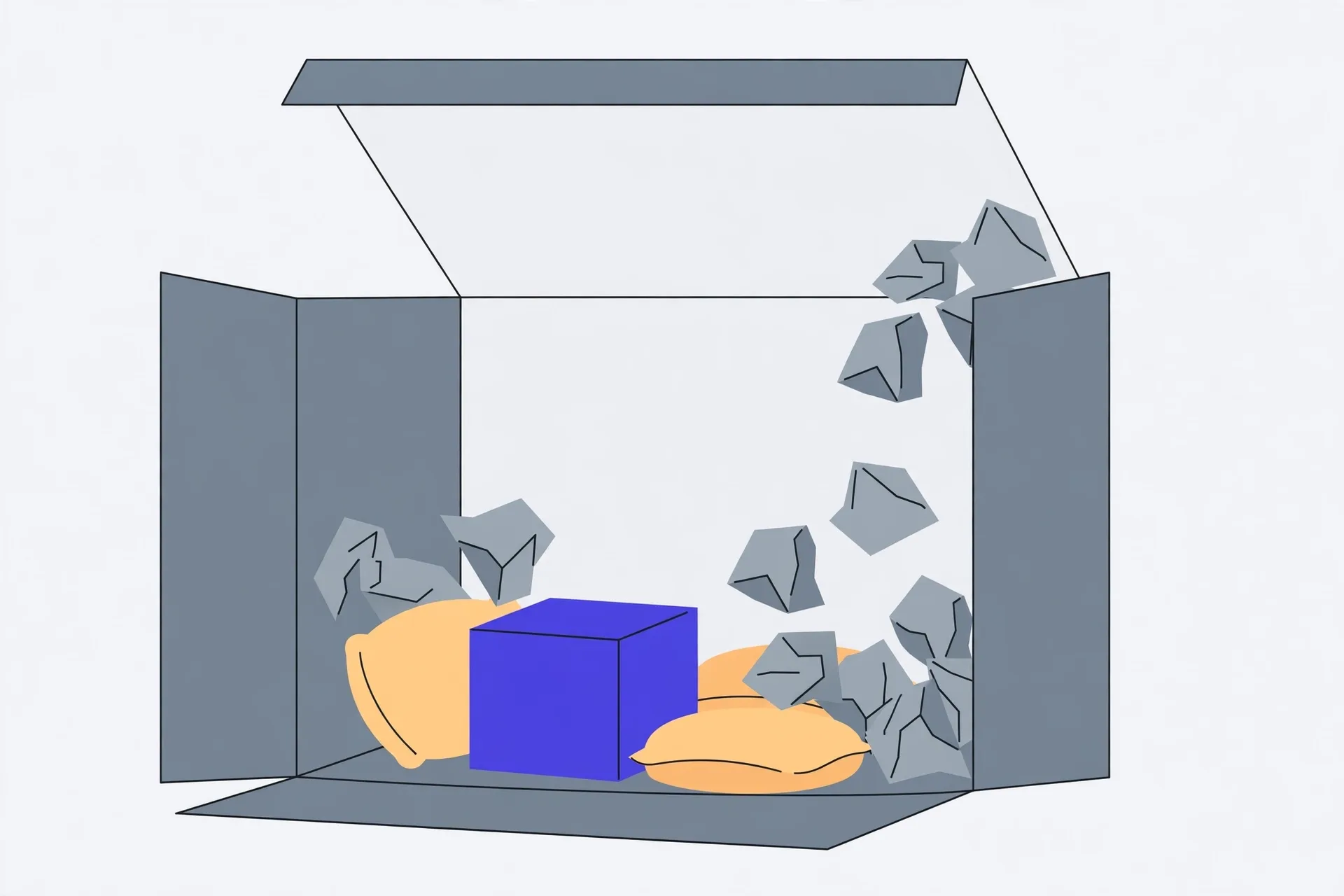
Ask a room of online sellers what the PPWR will change first and most will say labels. The duty with a number in it is quieter: from 2030 at the earliest, no more than half the volume of your shipping box may be empty — and the filler you stuff into it counts as empty.
Counting a Return Window: The EU 14-Day Cooling-Off Period Starts the Day After Delivery
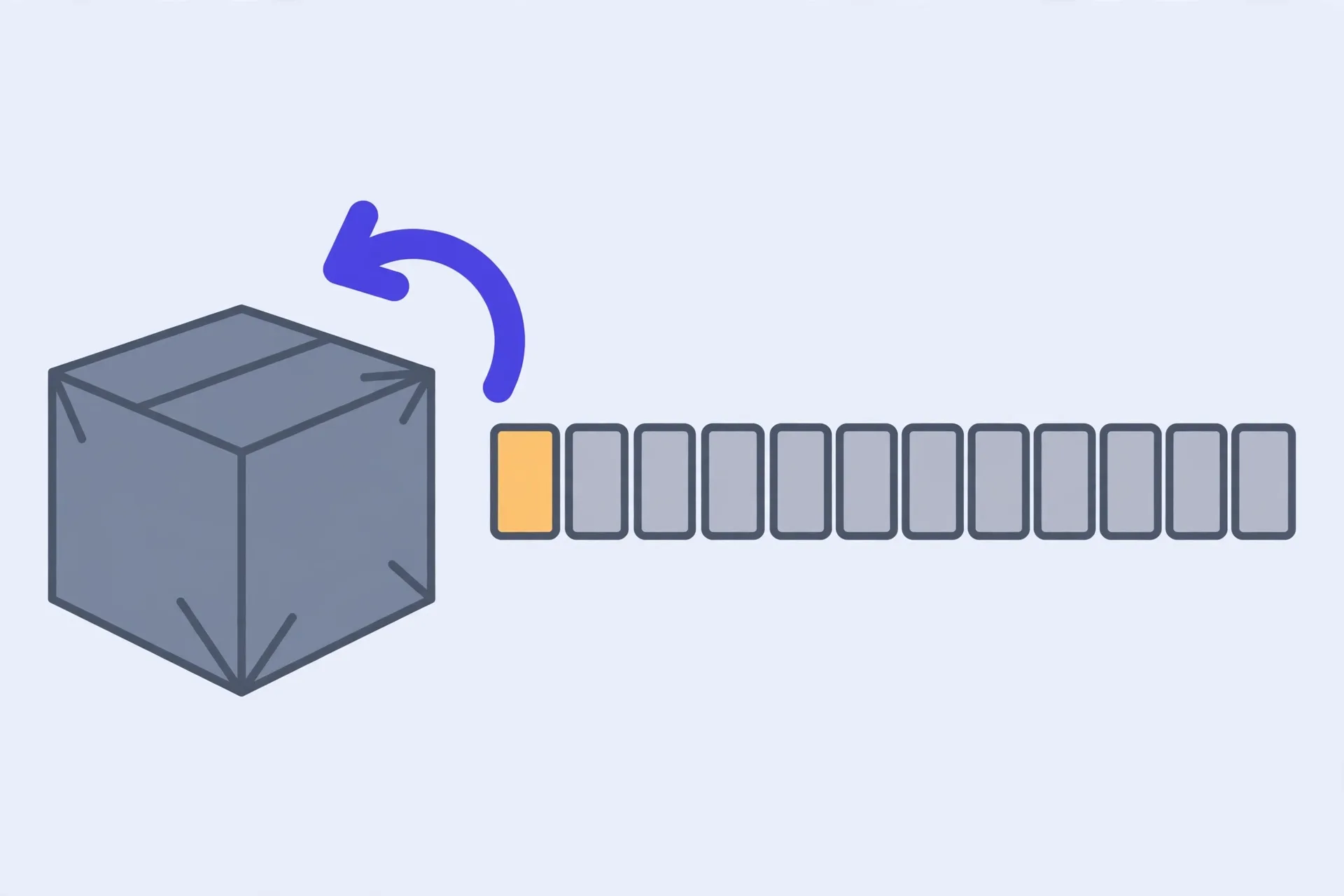
A shop page says “14 days to return”. Fourteen days from when — the order, the dispatch, the delivery? And counted how — in calendar days or working days? EU law answers both questions, and the answers are not the ones most countdown banners use.

How to Check Gift Return Eligibility Without a Receipt
Black Friday is over, the gifts are changing hands, and some of them are the wrong size, the wrong color or the second one you own. There is no receipt — there never is with a gift — so the question is not “can I get my money back?” but “which route does this store actually offer someone in my position, and how long do I have?”