How to Turn a Code Snippet Into a Shareable Image
Paste code into a chat and the indentation dies. Screenshot it from your editor and the crop looks rough. Render it as an image instead — but check the width first, because one long line runs the whole show.
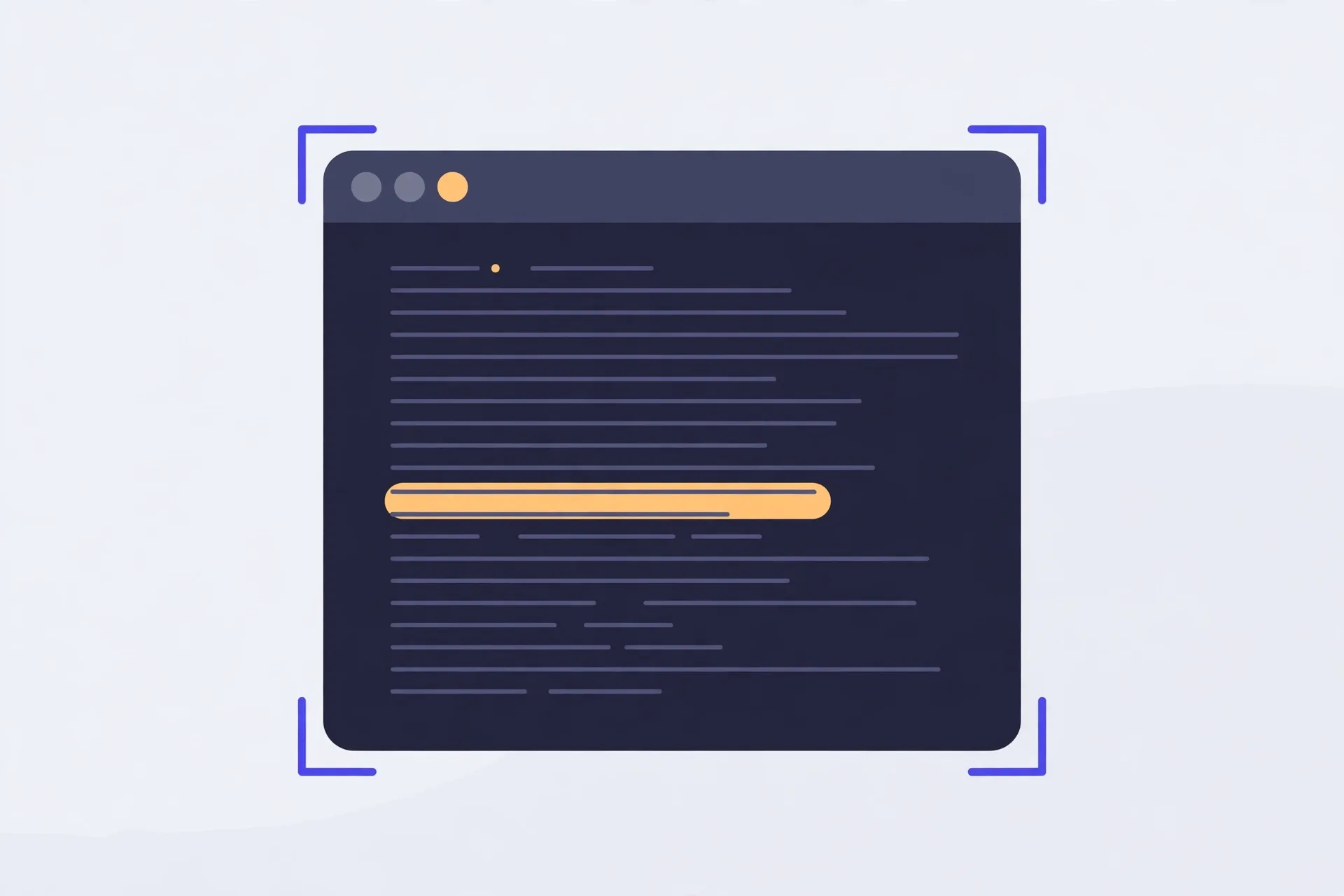
The Code to Image tool renders a snippet you paste into the Code field as a PNG. You pick a Theme, Dark or Light, set Font size (px) and Padding (px), and save the result with Download PNG. The width is plain monospace maths: width = 2 × padding + longest line length × font size × 0.6. So a snippet whose longest line is 10 characters, at a 16 px font with 24 px padding, comes out 2 × 24 + 10 × 16 × 0.6 = 144 px wide. Lines are counted literally, nothing is wrapped, and the rendering is plain single-colour monospace on a canvas — no syntax highlighting. Your code is rendered locally and never uploaded, stored or put into a link.
Keep the snippet short before you render anything
Code travels badly as plain text. Chat apps swallow indentation, slide software shrinks a pasted block until nobody can read it, and social feeds crop screenshots wherever they please. An image fixes the layout in place. What you frame is what every reader gets, on every screen.
That only works if the snippet earns its frame. A whole file doesn't. One function does. One short example does. The tool opens with a small default snippet in the Code field — function hello() { return 42; } — and that scale is about right. If a reader needs the surrounding class, the imports and the error handling to follow your point, an image is the wrong format and a link to the file is the right one. Pick the eight or fifteen lines that carry the idea and cut the rest.
Know what the rendering is, too, before you expect more from it. The snippet is drawn in plain, single-colour monospace text on a canvas, in a Dark or Light theme. There's no syntax highlighting — no coloured keywords, no picked-out strings. That's deliberate. Skipping a highlighting library keeps the tool dependency-free and the image clean and even. If you need colour-coded code for formal documentation, export from your editor. If you need a tidy snippet for a post, a slide or a message, plain and readable beats decorated.
Turn a snippet into an image in seven steps
The whole job takes under a minute once the snippet is chosen. Most of that minute goes on step one.
- Trim the snippet down to the lines that carry your point, and break or shorten any very long line before you paste it.
- Open Code to Image and replace the default text in the Code field with your trimmed snippet.
- Choose a Theme, Dark or Light, to match the page, slide or feed where the image will sit.
- Set the Font size (px) for readability at the size the image will actually be displayed.
- Set the Padding (px) to give the code breathing room on all four sides of the frame.
- Check the reported image width and, if one long line has made it too wide, go back and break that line.
- Click Download PNG and share the saved image wherever you planned to post it.
Step six deserves a second look. The tool reports the dimensions before you download, and the width isn't a guess — it's a formula, worked through in the next section. If the number looks absurd, don't download and hope. The image really is that wide, and the fix is always the same: find the longest line and deal with it.
The width formula, with the numbers done for you
Monospace fonts give every character the same advance width, and here that advance is counted as 0.6 times the font size. The longest line in your snippet sets the content width, and padding is added on both sides. Written out: width = 2 × padding + longest line length × font size × 0.6.
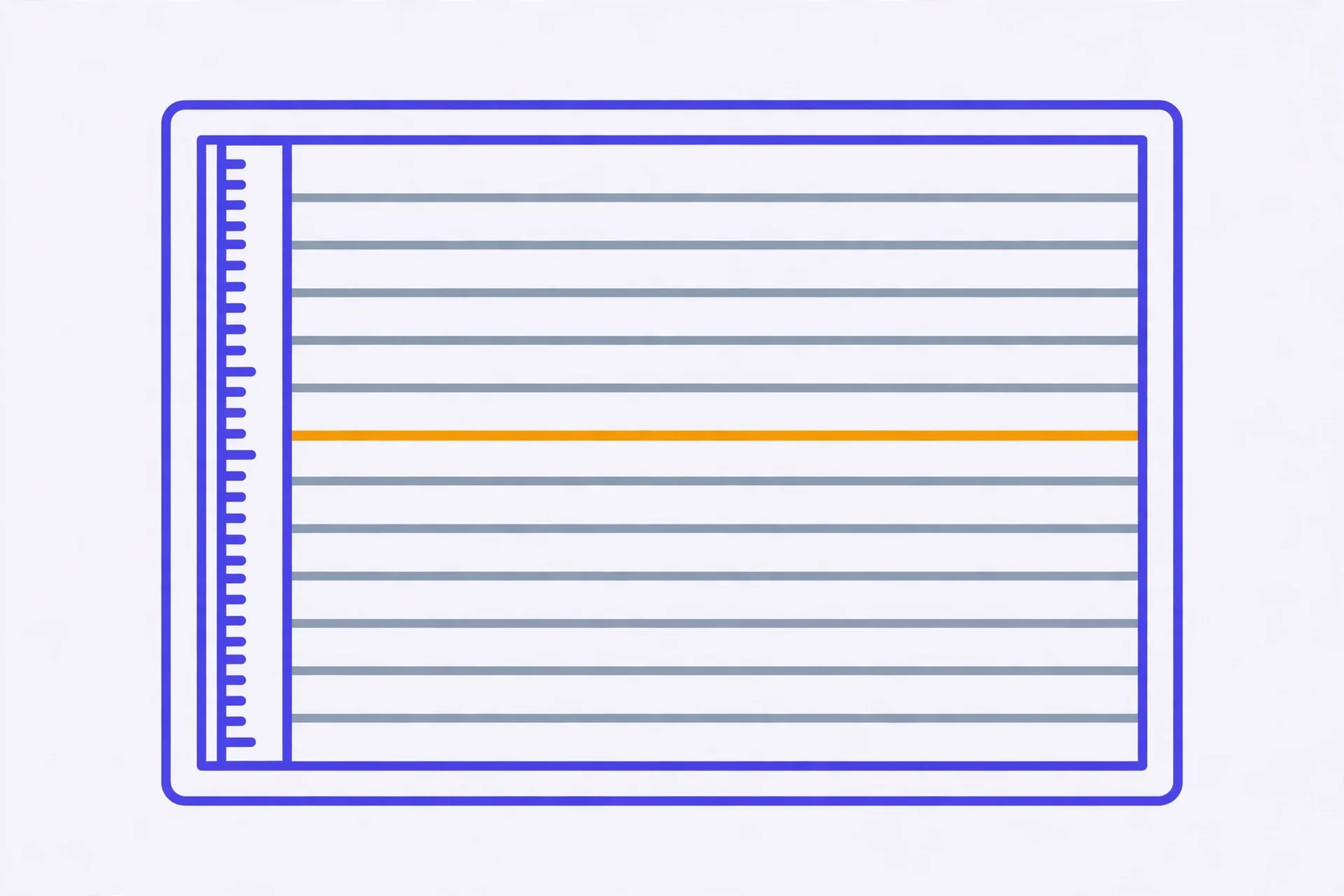
Now run the tool's own example through it. Say your longest line is 10 characters, your Font size (px) is 16 and your Padding (px) is 24. The padding contributes 2 × 24, which is 48 px. The code contributes 10 × 16 × 0.6, which is 96 px. Add them and the image is 144 px wide. That's small, because the example is small — and that's the lesson. Width scales in a straight line with all three inputs. Double the font size and the code part doubles. Double the longest line and the code part doubles again. You can predict any snippet's width on the back of an envelope before you render it.
Height follows the line count, and line counting is just as literal. A snippet with a, b and c on three separate lines counts as 3 lines. An empty snippet still counts as 1 line, because an image needs at least one line of height. No hidden lines are added and none are merged — what you paste is what's counted.
Long lines: the one problem this tool won't fix for you
There's no wrapping. None. If one line in your snippet runs to 120 characters — a long URL in a comment, a chained call you never broke up, a minified one-liner — that line sets the width for the whole image. Run the formula: at a 16 px font, the code part alone is 120 × 16 × 0.6, which is 1,152 px, before padding. Your eight short, readable lines end up as small text floating in a very wide picture, and when a feed shrinks that picture to fit a phone screen, nothing in it stays legible.
The fix happens before pasting, in your editor. Break the long line at a natural seam — after a comma, before a chained call, inside the brackets. Trim a long comment down to the words that matter, or move the explanation into the post text under the image, where it can wrap normally. Shorten a long string if its exact contents don't matter, and say so in your caption if you do. Two minutes of that work shrinks the image by half or more, and the font can then go bigger instead of smaller.
Don't try to fix width by shrinking the font, either. A 10 px font makes the wide image narrower, sure, but it makes every character harder to read at display size — which was the problem you came here to solve. Width problems get fixed in the code. Readability problems get fixed with the font size. Keep the two separate.
Sharing the image, and what stays on your device
Pick the theme for the destination, not for your own screen. A Dark image sits well in a dark-mode feed or a dark slide deck and glares on a white document. A Light image does the reverse. If you don't know the destination yet, render both — it costs you one extra click each — and post the one that matches when you get there.
Font size needs the same destination thinking. An image shown at half its rendered size on a phone effectively halves your font, so a snippet headed for a phone feed wants a bigger Font size (px) than one headed for a desktop slide. Render, look at the PNG at roughly the size readers will see it, and re-render larger if you have to squint. The download is instant, so iterating is cheap.
The privacy side is simple. The image is rendered locally on a canvas in your browser, from the code you pasted into this page. Your code is never uploaded, stored or put into a link, and the PNG itself is created only when you click Download PNG. Nothing sits on a server waiting to leak. That makes the tool safe for the snippets you'd never paste into a random online formatter — internal examples, unreleased code, a fragment from a client project — as long as the image you then share is one you're happy to publish.
The Verystep Code to Image tool takes your snippet in the Code field, a Theme of Dark or Light, a Font size (px) and a Padding (px), then renders a PNG you save with Download PNG. It runs on a canvas in your browser, with your code never uploaded.
Last verified November 19, 2026 — the Code field, the Dark and Light Theme options, the Font size (px) and Padding (px) fields, and the Download PNG button checked against the live Verystep Code to Image tool, and the width example re-multiplied by hand (2 × 24 + 10 × 16 × 0.6 = 144 px).
Frequently asked questions
How is the image width calculated?
From the longest line: width = 2 × padding + longest line length × font size × 0.6. A longest line of 10 characters at a 16 px font with 24 px padding gives 2 × 24 + 10 × 16 × 0.6 = 144 px wide. The tool reports the final dimensions before you download, so a surprising width is never a surprise in the file.
Why did my code image come out so wide?
Because one line is long, and nothing is wrapped. The width follows the longest line exactly, so a single 120-character line at a 16 px font adds 1,152 px of code width on its own. Break that line at a natural seam or trim it before pasting, and the image shrinks in proportion.
Does the tool add syntax highlighting?
No. The snippet is rendered in plain, single-colour monospace text on the Dark or Light theme background. That's a deliberate choice — no highlighting library, no dependencies, and a clean uniform look. For colour-coded images for documentation, export the snippet from your editor instead.
How are lines counted for the image height?
Literally. A snippet with a, b and c on three separate lines counts as 3 lines, and even an empty snippet counts as 1 line, since an image needs at least one line of height. Lines are never wrapped, merged or padded out behind the scenes.
Is my code uploaded to make the image?
No. The PNG is drawn on a canvas in this browser and created only when you click Download PNG. Your code is never uploaded, stored or put into a link, and it stays in the page on your device — so unreleased or internal snippets are safe to render here.
More guides
The PPWR Empty Space Ratio: Why the 50% Cap Hits Your Shipping Box First
Ask a room of online sellers what the PPWR will change first and most will say labels. The duty with a number in it is quieter: from 2030 at the earliest, no more than half the volume of your shipping box may be empty — and the filler you stuff into it counts as empty.
Counting a Return Window: The EU 14-Day Cooling-Off Period Starts the Day After Delivery
A shop page says “14 days to return”. Fourteen days from when — the order, the dispatch, the delivery? And counted how — in calendar days or working days? EU law answers both questions, and the answers are not the ones most countdown banners use.
How to Check Gift Return Eligibility Without a Receipt
Black Friday is over, the gifts are changing hands, and some of them are the wrong size, the wrong color or the second one you own. There is no receipt — there never is with a gift — so the question is not “can I get my money back?” but “which route does this store actually offer someone in my position, and how long do I have?”