How to Generate a JSON Schema From a Sample Payload
You already have the payload. Writing its schema by hand is just typing the same shape twice, with typos. Paste the sample, pick the right reading mode, and check the required list before you trust it.

The JSON Schema Generator infers a schema from JSON you paste into the JSON sample(s) field. Set How to read the input to Single JSON value (describe it as-is) for one payload, or to Array = multiple samples (merge them) when you paste an array of examples. In single mode, the sample {"a": 1, "b": "x", "c": [1, 2], "d": null, "e": 1.5} gives five properties — a as integer, b as string, c as an array of integers, d as null and e as number — and all five keys land in required. In merge mode, properties are unioned across samples, a key stays required only if it appears in every sample, and a key seen with different types gets a type list. Copy the result with Copy schema or save it with Download schema.json.
Start with a real payload, not a tidy one
Grab a payload the way it actually arrives. Copy a response from your API, an event from a log, a config block from a file that works. Don't clean it up first. Don't rename keys to something prettier, and don't delete the awkward null in the corner. Inference can only describe what you show it, so a tidied sample produces a tidy schema that real data then fails.
One choice matters before you paste anything. At the top of the tool sits a selector labelled How to read the input, and it has two settings. Single JSON value (describe it as-is) treats whatever you paste as one thing and describes that thing. Array = multiple samples (merge them) treats a pasted array as a pile of separate examples and merges them into one schema. Pick the wrong one and the output still looks neat. It just answers a question you didn't ask. An array read as a single value gets described as an array. A single object read in merge mode gets treated as a set of samples it isn't.
Keep the job straight, too. This tool builds JSON Schema, the format you use to validate data — an API response, a webhook body, a config file. It isn't the Schema Generator at /schema-generator/, which builds Schema.org markup for search engines. Similar name, different work. If you need to check that a payload has the right shape, you're in the right place. If you want rich results in search, you want the other tool.
Generate a schema in seven steps
Run through this once with a small sample you can check by eye. After that, bigger payloads take about a minute.
- Copy a real JSON payload exactly as it arrives, without renaming keys or removing nulls and empty values.
- Open the JSON Schema Generator and paste the payload into the JSON sample(s) field.
- Set How to read the input to Single JSON value (describe it as-is) for one payload, or Array = multiple samples (merge them) for an array of samples.
- Read the output in the JSON Schema field and check that every key you pasted appears under properties with a sensible type.
- Check the required list and remove any key that is really optional but happened to appear in every sample you pasted.
- Click Copy schema to paste the schema into your project, or Download schema.json to save it as a file.
- Run the schema through your validator against a fresh payload you did not use as a sample, and fix any mismatch the validator reports.
Step five isn't optional busywork. It's where inference ends and judgement starts, and the last section of this guide explains why. Step seven catches the other failure mode: a schema that fits its own samples perfectly and then rejects the next real payload because that payload has a shape your samples never showed.
A worked sample, checked key by key
Use the tool's own example first, because you can verify every line by hand. Paste this in single mode: {"a": 1, "b": "x", "c": [1, 2], "d": null, "e": 1.5}. The JSON Schema field fills with an object schema holding five properties. The key a is an integer, because 1 has no decimal part. The key b is a string. The key c is an array, and its items are integers, because both 1 and 2 are whole numbers. The key d is null — that's a real type in JSON Schema, not a missing value. The key e is a number, because 1.5 has a decimal part.

That integer and number split catches people out, so it's worth pausing on. JSON itself doesn't separate them. JSON Schema does. A whole number infers as integer and a decimal infers as number, and a validator treats them differently. If your real data sometimes sends 2 and sometimes sends 2.5 for the same key, a schema built from one sample of 2 will reject the 2.5. That's a strong argument for merge mode with several samples, covered next.
Required is simple here. There's one sample, and all five keys are in it, so all five keys are listed as required. A single sample can only vouch for what it contains. It can't tell you which keys are sometimes absent, because absence never showed up.
Merge mode: several samples, one softer schema
Switch How to read the input to Array = multiple samples (merge them) and paste an array instead — say, three or four real responses wrapped in square brackets. The rules change in three predictable ways. First, properties are unioned. If sample one has a nickname key and sample two doesn't, nickname still appears in properties. Second, required shrinks. A key stays required only if it appears in every sample, so that same nickname drops out of required while staying in the schema. Third, types combine. If one sample shows a field as 1 and another shows it as "s", the merged schema lists both types for that key — integer and string — so validation accepts either.
Nested data follows the same logic, one level at a time. A nested object gets its own properties and its own required list, worked out from the samples at that level. An array doesn't just get labelled array, either. Its items are described from the elements inside it, merging element types the same way top-level keys merge. An array that holds [1, 2] in one sample and [1, "x"] in another ends up allowing integer and string items.
More samples give a better schema, up to a point. Three to ten varied, real payloads usually expose the optional keys and the mixed types that one sample hides. Fifty near-identical payloads add little. Pick samples that differ — a full record, a sparse one, one with the odd field turned on — rather than samples that merely repeat.
Review it before you call it a contract
Here's the limit you have to design around. Inference describes the samples it saw, nothing more. An optional field that happened to appear in every sample you pasted will look required, because the tool has no way to know it can be absent. A field your samples never included won't appear at all, even if real payloads carry it half the time. Neither case is a bug. It's what inference means.
So read the output like a draft, not a verdict. Scan required and ask, for each key, do I actually know this is always present? Scan the type lists and ask whether a decimal, a null or a string form shows up in production. If you know a key is optional, remove it from required by hand. If you know a value can be null on bad days, add null to its type list. Those two edits take a minute and prevent the classic failure: a schema that rejects good data at 2 a.m. because a sample set was too tidy.
Privacy is straightforward here. The sample is parsed and the schema is built in your browser. Your data is never uploaded, stored or put into a link, and closing the page clears it. That matters when the easiest sample to grab is a production payload with real names in it. You can paste it, generate the schema, and close the tab without the payload leaving your machine.
The Verystep JSON Schema Generator takes your JSON in the JSON sample(s) field, reads it as a single value or as an array of samples to merge, and writes the result into the JSON Schema field. Use Copy schema or Download schema.json to take it away. It runs in your browser, with nothing uploaded.
Last verified November 19, 2026 — the How to read the input selector, the JSON sample(s) and JSON Schema fields, and the Copy schema and Download schema.json buttons checked against the live Verystep JSON Schema Generator, and the worked sample re-checked by hand (a integer, b string, c array of integers, d null, e number; all five required in single mode).
Frequently asked questions
What is the difference between single mode and merge mode?
Single mode, labelled Single JSON value (describe it as-is), describes exactly the one value you pasted. Merge mode, labelled Array = multiple samples (merge them), treats a pasted array as several examples: properties are unioned, a key is required only if it appears in every sample, and differing types for one key are combined into a type list.
Why did my field come out as integer when I expected number?
Because the sample value was a whole number. JSON Schema separates the two: 1 infers as integer and 1.5 infers as number. If the same key appears as both across merged samples, the schema lists both types, so a validator will accept whole numbers and decimals alike.
A key is marked required, but I know it is sometimes missing. Why?
Inference can only describe the samples it saw. If that key appeared in every sample you pasted, it looks required, even if production data omits it now and then. Edit the generated schema and remove the key from required before you treat the schema as a contract.
Is this the same as the Schema Generator for SEO?
No. This tool infers a JSON Schema that describes the shape of data, for validation, form generation and contract tests. The Schema Generator at /schema-generator/ builds Schema.org structured data that describes a web page for search engines. JSON Schema validates data; Schema.org describes pages.
Is my JSON uploaded when I generate a schema?
No. The sample is parsed and the schema is inferred in this browser, on your device. Your data is never uploaded, stored or put into a link, and closing the page clears it — so a real production payload is safe to paste as a sample.
More guides
The PPWR Empty Space Ratio: Why the 50% Cap Hits Your Shipping Box First
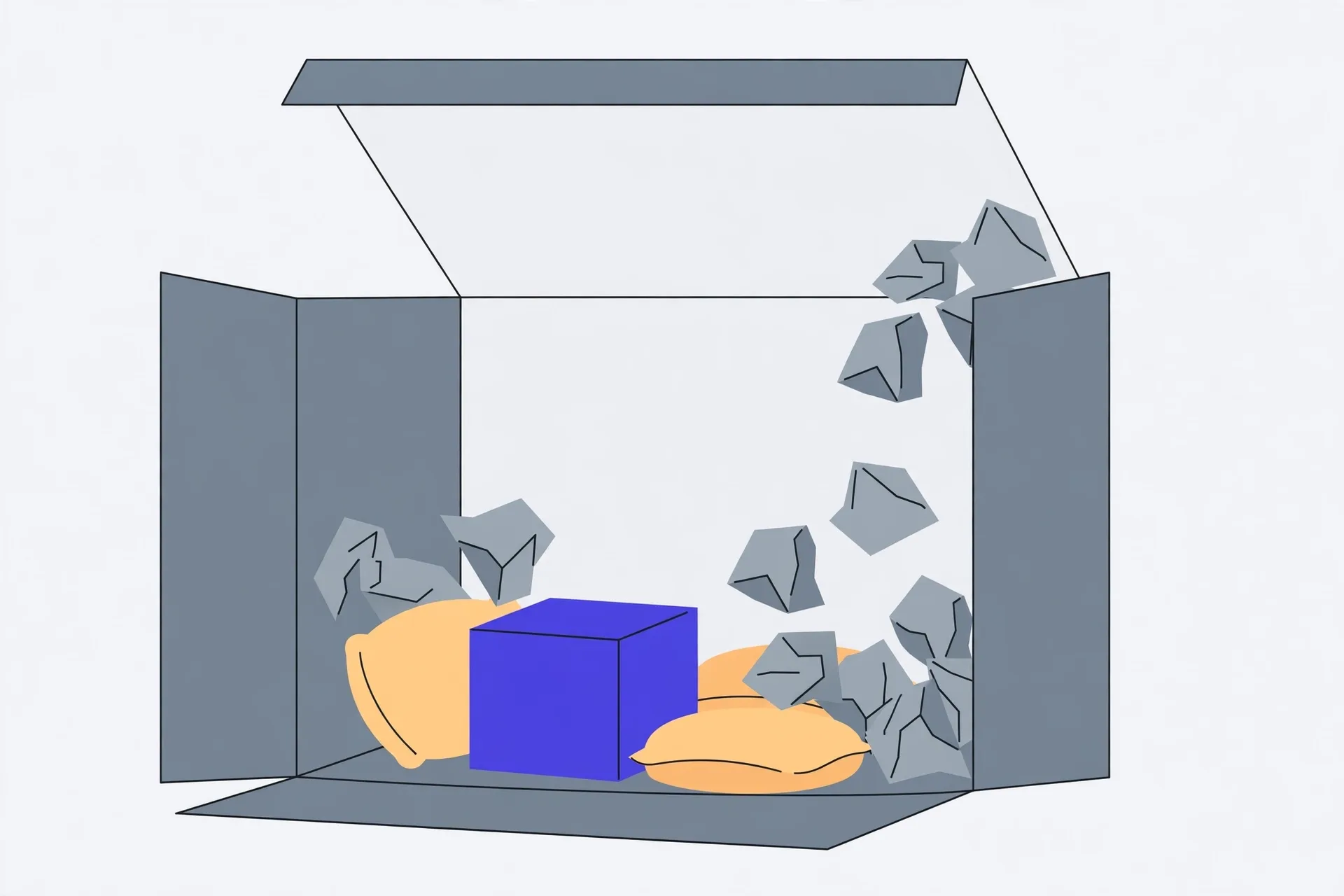
Ask a room of online sellers what the PPWR will change first and most will say labels. The duty with a number in it is quieter: from 2030 at the earliest, no more than half the volume of your shipping box may be empty — and the filler you stuff into it counts as empty.
Counting a Return Window: The EU 14-Day Cooling-Off Period Starts the Day After Delivery
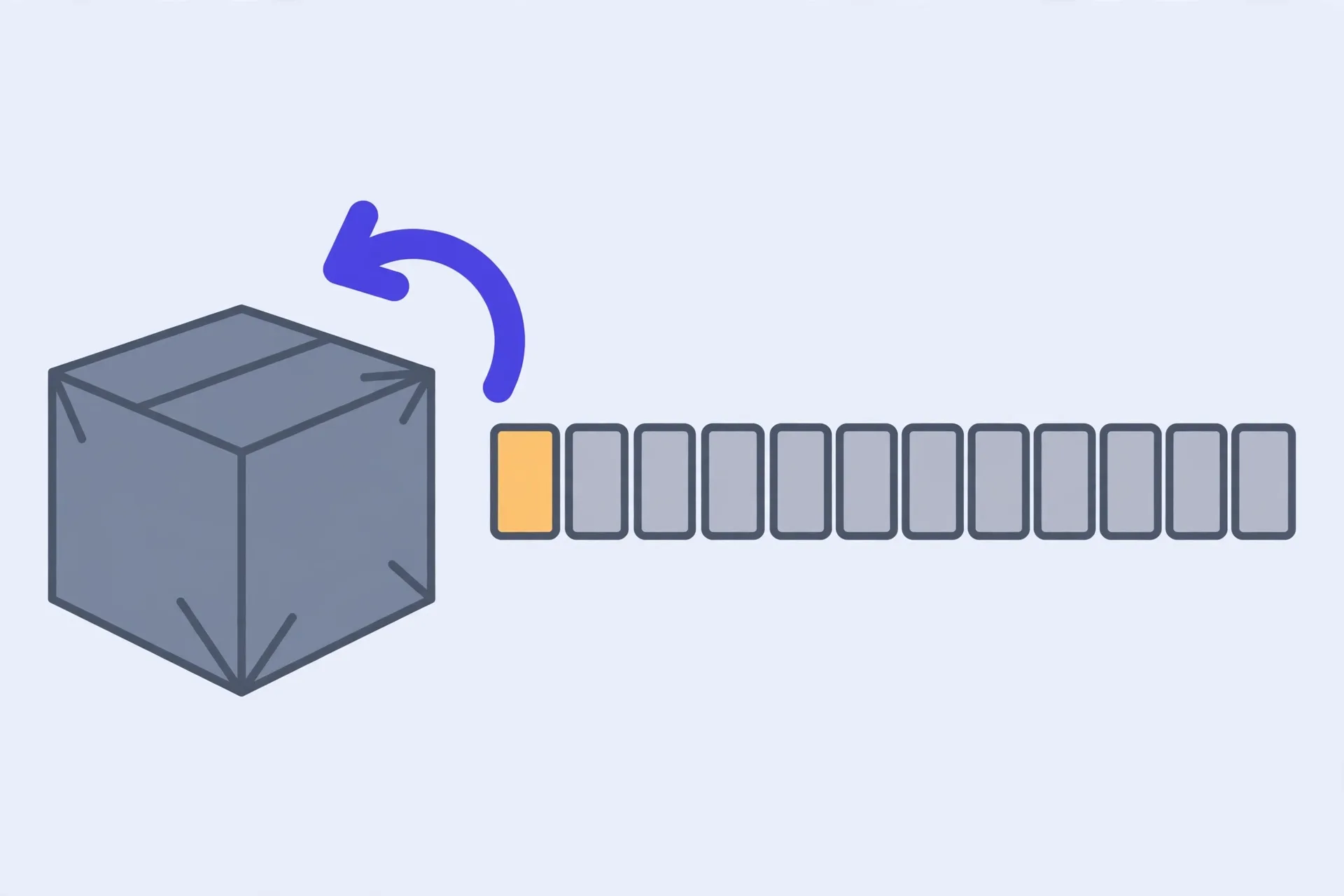
A shop page says “14 days to return”. Fourteen days from when — the order, the dispatch, the delivery? And counted how — in calendar days or working days? EU law answers both questions, and the answers are not the ones most countdown banners use.

How to Check Gift Return Eligibility Without a Receipt
Black Friday is over, the gifts are changing hands, and some of them are the wrong size, the wrong color or the second one you own. There is no receipt — there never is with a gift — so the question is not “can I get my money back?” but “which route does this store actually offer someone in my position, and how long do I have?”