How to Generate a Docker Compose File Without Memorizing YAML
Compose files aren't hard because Docker is hard. They're hard because YAML punishes a stray space and you can't remember whether ports get quotes. Describe the services in plain fields, and let the file write itself.
The Docker Compose Generator turns a short form into a Compose file. You can add one to three services, and each one asks for the same plain things: a service name, an image, ports written as host:container, environment lines in KEY=value form, volumes, and a restart policy picked from no, always, on-failure or unless-stopped. Fill in what a service needs and leave the rest blank. A service with no name and no image is skipped entirely, so a spare empty slot never produces junk in the output. The generated YAML carries no version line at the top — current Compose doesn't need one — and it quotes your port mappings and numeric environment values for you, sidestepping two of YAML's nastiest traps without you having to remember them.
Describe the service, skip the syntax
A Compose file is just a description of one or more services: what image each one runs, which ports it exposes, what settings it gets, and what should happen when it stops. You already know those answers for your own project. What you probably don't carry in your head is YAML's exact indentation, its quoting rules, and which keys sit where. That's the part worth handing to a generator — not the thinking, just the typing.
So approach each service as a small interview. Name it something you'll recognise in logs. Name the image it runs, tag included. Then decide how the outside world reaches it, what configuration it needs, whether it should store files somewhere that survives a restart, and whether Docker should bring it back when it exits. Answer those and the service is fully described. The generator handles the colons, the dashes and the quotes, and you handle the decisions, which is the right way round.
That split matters most on the second and third services. The first one feels easy either way, so people hand-write it, get the indentation slightly wrong on service two, and spend twenty minutes hunting a syntax error that has nothing to do with their project. Working through the same six prompts for every service keeps them consistent with each other, too — same naming style, same way of writing ports, same habit with environment lines — which makes the finished file far easier to scan when you come back to it in three months.
Generate a Compose file in seven steps
Open the Docker Compose Generator and build your services one at a time, in this order.
- Give the first service a short name and the image it runs, including the tag, since a service with no name and no image is skipped.
- Add any further services the same way, up to three in total, naming each one after its job in the project.
- For each service that needs one, add a port mapping in host:container form, such as 8080:80, and let the generator quote it for you.
- Add environment settings as one KEY=value pair per line, and quote numeric values so they stay strings.
- Add volumes for any data that must survive the container being replaced, written as the paths the service expects.
- Pick a restart policy for each service — no, always, on-failure or unless-stopped — based on how it should behave after it exits.
- Read the generated YAML once against your services, then copy it into your docker-compose.yml file.
Step three deserves a pause, because the quoting there isn't decoration. YAML can read an unquoted value like 8080:80 as a base-60 number — the old sexagesimal trap — instead of as two ports joined by a colon. That's why port mappings belong in quotes, and why the generator puts them there for you. Step four has a cousin of the same trap: a numeric environment value can be read as a number when the program inside the container expects text, so numeric values get quoted too, keeping MODE or a port setting as the exact string you typed.
A worked example: one web service
Start with the smallest useful setup: a single web service running Nginx. Name the service web and give it the image nginx:1.27 — naming the tag matters, because it pins you to that release instead of whatever happens to be current next month. Map the ports as 8080:80, meaning port 8080 on your machine forwards to port 80 inside the container, so you open the site at localhost:8080 while Nginx listens on its usual port inside. Add one environment line, MODE=prod, and pick unless-stopped as the restart policy.
The YAML that comes out has a services section with web under it, the image line, the ports line with "8080:80" in quotes, MODE=prod under environment, and restart: unless-stopped at the end. Notice what's missing: there's no version line at the top. Older examples online still start with one, but it's obsolete in current Compose and just draws a warning, so the generator leaves it out. If you're copying habits from a five-year-old tutorial, that's the first one to drop.
Choosing a restart policy without guessing
The four options sound similar and behave very differently, so pick by scenario rather than by vibe. Choose no and the container stays down when it exits, until you start it yourself — right for one-off jobs you run by hand. Choose always and Docker restarts it whenever it stops, and also brings it up when the Docker daemon itself starts. Choose on-failure and it restarts only when the container exits with an error, which suits workers that should retry a crash but stay finished when they complete cleanly.
For most long-running services, unless-stopped is the sweet spot, and it's what the worked example uses. It behaves like always — restarts after crashes and after the machine reboots — except for one case: if you deliberately stop the container yourself, it stays stopped. That single difference saves real confusion. You've stopped a service on purpose, the machine reboots overnight, and with always it quietly comes back. With unless-stopped, your decision sticks. Match the policy to how you'd want to find the service tomorrow morning, and you'll pick correctly almost every time.
Mistakes that make a Compose file misbehave
The empty service is the subtlest one. If you add a second or third service slot but leave both its name and its image blank, the generator skips it — no half-empty block lands in your file. The flip side is just as important: a service with a name but no image, or an image but no name, isn't complete either. Fill in both for every service you actually want, and check the output count matches the services you intended before you copy anything.
Next is unquoting things by hand afterwards. If you tidy the generated YAML and strip the quotes off a port mapping because it looks cleaner, you've re-armed the sexagesimal trap described above. Same story if you unquote a numeric environment value and the program inside reads a number where it wanted a string. Leave the generator's quotes alone; they're load-bearing. Last is piling everything into one service because three felt like a lot to describe. If two parts of your project run different images or restart for different reasons, they're two services. Describing them separately now is far easier than untangling them later.
The Verystep Docker Compose Generator lets you add one to three services, each with a name, image, ports, environment lines, volumes and a restart policy, and turns them into clean Compose YAML. Copy the result straight into your docker-compose.yml, all in your browser.
Last verified November 18, 2026 — steps, fields and options checked against the live Verystep Docker Compose Generator, and the worked example built by hand to confirm the quoted port mapping, the restart line and the absence of a version line.
Frequently asked questions
Why is there no version line at the top of the file?
Because current Docker Compose doesn't need one. The version field is obsolete in the current Compose specification, and including it just produces a warning when you run the file. Older tutorials still show it out of habit. The generator leaves it out, and your file starts directly with the services section, which is exactly what modern Compose expects.
Why are the port mappings in quotes?
To stop YAML misreading them. A value like 8080:80 can be interpreted by YAML as a base-60 sexagesimal number instead of a host port and a container port joined by a colon. Quoting it as "8080:80" forces it to be read as the string you meant. The generator quotes port mappings for you, and you should leave those quotes in place if you edit the file later.
What happens to a service I leave blank?
It's skipped. A service with no name and no image produces nothing in the generated YAML, so you can leave a spare slot empty without it polluting your file. Just make sure every service you do want has both a name and an image filled in — those two fields are what define the service.
Which restart policy should I pick for a web service?
Unless-stopped suits most long-running services. It restarts the container after a crash and after the machine reboots, like always does, but it respects a stop you issued yourself — the container stays down until you start it again. Pick no for jobs you run manually, and on-failure for workers that should retry after an error but stay finished after a clean exit.
How should I write environment values that are numbers?
Write them as KEY=value lines like any other setting, but keep numeric values quoted so they stay strings. A bare number can be read by YAML as a number type, and many programs expect their environment settings as text — a port or a count passed as a number can fail or behave oddly. The generator quotes numeric environment values for you; don't strip the quotes out afterwards.
More guides
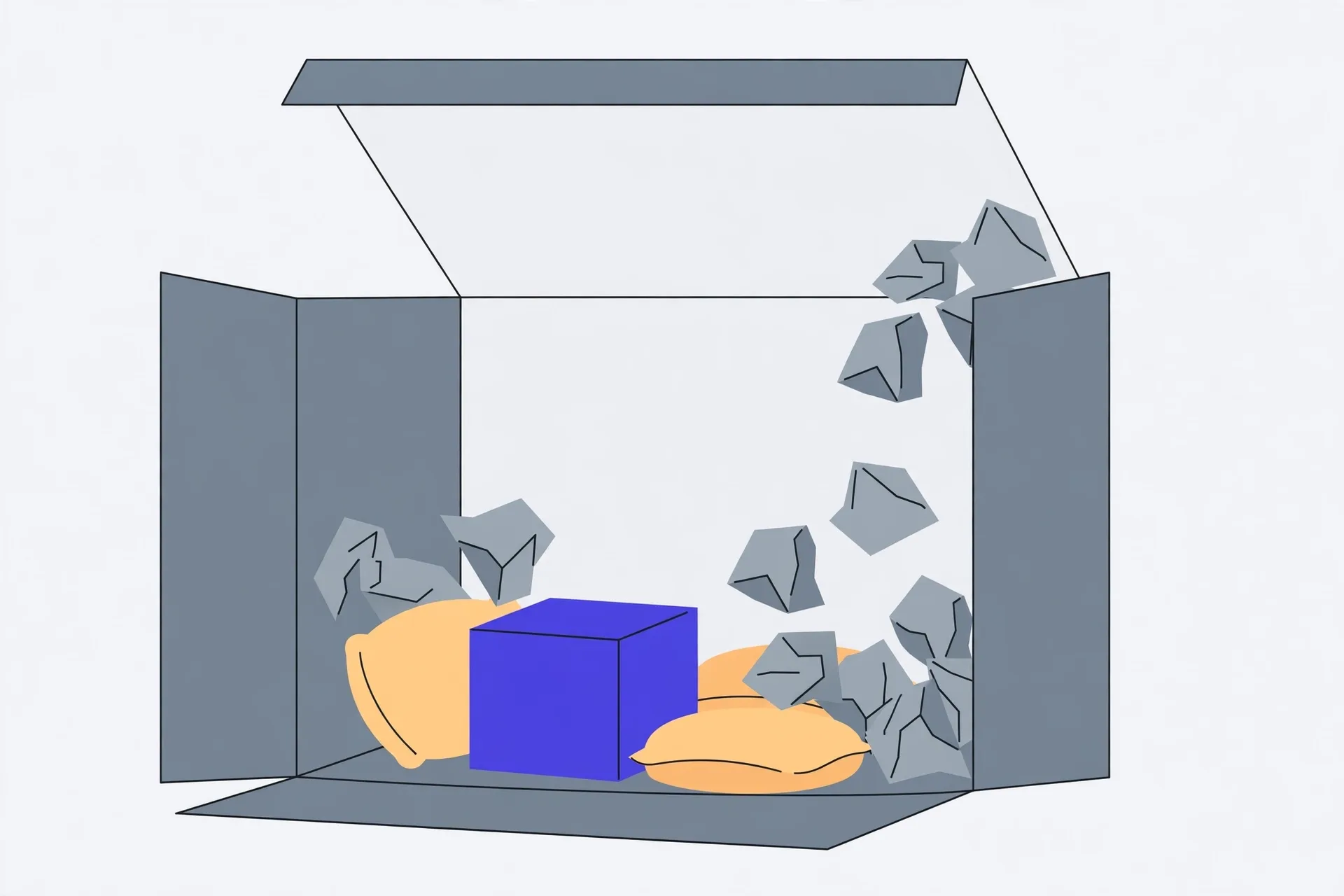
The PPWR Empty Space Ratio: Why the 50% Cap Hits Your Shipping Box First
Ask a room of online sellers what the PPWR will change first and most will say labels. The duty with a number in it is quieter: from 2030 at the earliest, no more than half the volume of your shipping box may be empty — and the filler you stuff into it counts as empty.
Counting a Return Window: The EU 14-Day Cooling-Off Period Starts the Day After Delivery
A shop page says “14 days to return”. Fourteen days from when — the order, the dispatch, the delivery? And counted how — in calendar days or working days? EU law answers both questions, and the answers are not the ones most countdown banners use.

How to Check Gift Return Eligibility Without a Receipt
Black Friday is over, the gifts are changing hands, and some of them are the wrong size, the wrong color or the second one you own. There is no receipt — there never is with a gift — so the question is not “can I get my money back?” but “which route does this store actually offer someone in my position, and how long do I have?”