How to Find Your Heart Rate Zones and Train by Them
A heart rate zone is just a slice of an estimated number, your maximum. Get that estimate, cut it into five percentage bands, and you can check any pulse reading against the band it belongs to.

The Heart Rate Zone Calculator needs one input, your age, and one click on Show my zones. It estimates maximum heart rate with the Tanaka formula, 208 - 0.7 x age, then splits that maximum into five zones: Zone 1 at 50-60%, Zone 2 at 60-70%, Zone 3 at 70-80%, Zone 4 at 80-90% and Zone 5 at 90-100%. At age 30 the maximum comes out at 187 beats per minute, so the zones run 94-112, 112-131, 131-150, 150-168 and 168-187. To check a live pulse against a zone, count it for 15 seconds, multiply by four, and see which range the number lands in. The estimate carries a margin of about 10 to 15 beats per minute, so treat boundaries as approximate.
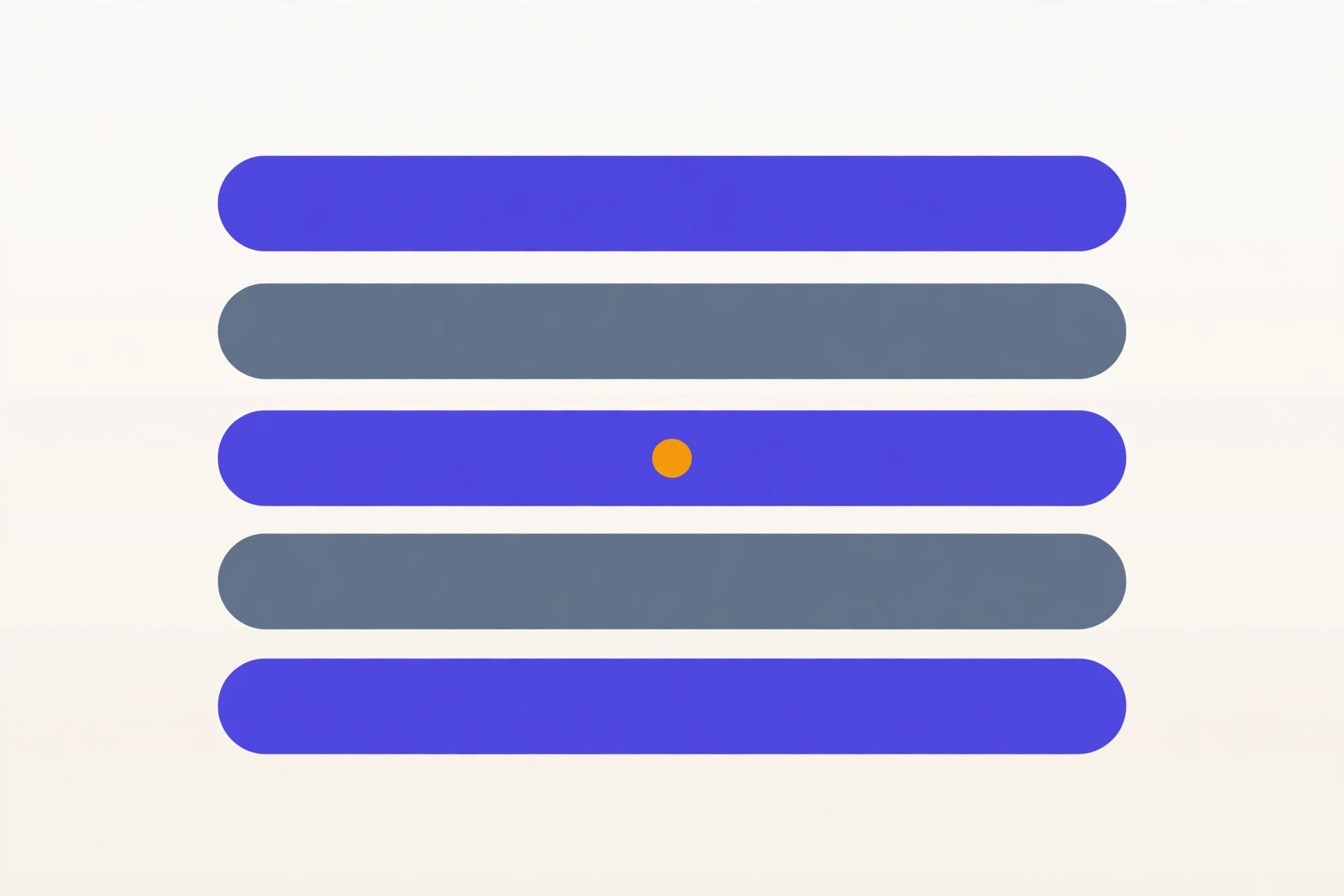
One estimate, five slices
These zones are estimates only, not medical advice, and the calculator page says the same thing, including a note to consult a doctor before intense exercise. This guide explains how the numbers are built and how to read them. It does not tell you which zone to spend time in.
The whole system hangs on one figure: your maximum heart rate, the fastest your heart can beat. Measuring a true maximum takes a supervised all-out test, so calculators estimate it from age instead. This one uses the Tanaka formula, 208 - 0.7 x age. Each zone is then a fixed percentage slice of that maximum. Zone 1 covers 50-60% and is labelled recovery, Zone 2 covers 60-70% as aerobic base, Zone 3 covers 70-80% as tempo, Zone 4 covers 80-90% as threshold, and Zone 5 covers 90-100% as max. The ranges are the part you actually use.
Every zone inherits the accuracy of that single estimate. Two people of the same age get identical zones here, even though their true maximums can differ by a good margin.
Get your zones and check a pulse in seven steps
One field, one button. The skill, such as it is, sits in the checking step at the end.
- Enter your age in the Age field on the calculator.
- Click Show my zones and note the estimated maximum heart rate at the top.
- Read the five zones as ranges in beats per minute, from Zone 1 at 50-60% up to Zone 5 at 90-100%.
- Pick the zone you want to check against and note its lower and upper beats per minute.
- During activity, count your pulse for 15 seconds and multiply by four, or read the number from your monitor.
- Compare that number with the zone range: below it, inside it, or above it.
- Allow for the estimate margin of about 10 to 15 beats per minute before you treat a boundary as exact.
For the pulse count, use two fingers on your wrist or the side of your neck, never your thumb, which has a pulse of its own. Count the first beat as zero and stop at 15 seconds on a watch or phone timer. A short count magnifies any miscount by four, so count carefully.
Worked example: age 30, every zone by hand
Enter 30 in the Age field and click Show my zones. Start with the maximum. Tanaka gives 208 - 0.7 x 30. That is 208 - 21 = 187 beats per minute. Now take the percentages one at a time. 50% is 187 x 0.5 = 93.5, which rounds to 94. 60% is 187 x 0.6 = 112.2, so 112. 70% is 187 x 0.7 = 130.9, so 131. 80% is 187 x 0.8 = 149.6, so 150. 90% is 187 x 0.9 = 168.3, so 168.
Line those cut points up and the five zones fall out: Zone 1 runs 94-112, Zone 2 runs 112-131, Zone 3 runs 131-150, Zone 4 runs 150-168, and Zone 5 runs 168-187. Each zone starts where the previous one ends: slices of one continuous scale, no gaps. A quick cross-check: at age 40, the maximum is 208 - 0.7 x 40 = 208 - 28 = 180.
Now the checking move. Say your 15-second count during a run comes to 34 beats. Multiply by four: 34 x 4 = 136 beats per minute. That sits between 131 and 150, so it falls in Zone 3. A count of 28 gives 112, the shared edge of Zone 1 and Zone 2. A count of 40 gives 160, inside Zone 4 at 150-168.
Reading errors that put you in the wrong zone
The classic one is expecting the older 220 minus age shortcut. This calculator does not use it. At age 30 that shortcut gives a maximum of 190, while Tanaka gives 187, and every zone edge shifts by a beat or two as a result. If your numbers differ from another calculator, check which formula each one used first.
Second: counting pulse over a full minute. The moment you stop moving, your rate drops fast, so a slow count reads the recovery, not the effort. The 15-second count, started the instant you check, stays closer to the rate you were actually holding. Third: trusting a single wrist reading at face value. Wrist sensors can lag sudden changes and can lock onto your step rhythm instead of your pulse, so a reading that jumps in step with your cadence deserves a recount. Fourth: treating a boundary as a wall. A reading of 131 at age 30 sits exactly on the Zone 2 and Zone 3 edge, and the honest reading is that it sits on the edge.
The limits built into the estimate
The margin matters most. The Tanaka estimate carries an error of about 10 to 15 beats per minute for an individual, even though it tracks group averages well. If your true maximum is 175 rather than the estimated 187, then every zone the calculator printed sits roughly 12 beats too high, and a reading near a printed boundary could belong to the band on either side. That is the price of estimating a personal maximum from age alone.
One alternative is worth knowing. The Karvonen method builds zones from heart rate reserve instead: it takes the gap between your maximum and your resting heart rate, applies the percentages to that gap, then adds resting heart rate back. It needs a resting heart rate input, which this calculator does not ask for, so its output differs from the bands shown here. Neither set of numbers is a measurement of you; both are models. Read your zones as a map with soft borders: good for placing a live reading in a band, not precise enough to argue over a beat or two at a boundary.
The Verystep Heart Rate Zone Calculator asks for one field, Age, and one click on Show my zones. It estimates your maximum heart rate with the Tanaka formula, 208 - 0.7 x age, then lists five zones as percentage bands of that maximum, from Zone 1 at 50-60% to Zone 5 at 90-100%, all in your browser with nothing uploaded.
Last verified November 20, 2026 — Age field and the Show my zones button checked against the live Verystep Heart Rate Zone Calculator, and the worked examples recomputed by hand: age 30 gives a Tanaka maximum of 208 - 21 = 187 with zones 94-112, 112-131, 131-150, 150-168 and 168-187, and age 40 gives 208 - 28 = 180.
Frequently asked questions
Why does this calculator give a different maximum from 220 minus age?
Because it uses the Tanaka formula, 208 - 0.7 x age, instead of the older shortcut. At age 30, Tanaka gives 208 - 21 = 187, while 220 minus age gives 190. Every zone edge is a percentage of the maximum, so that 3-beat difference shifts every boundary slightly.
How do I check my pulse against a zone without a watch or monitor?
Count your pulse with two fingers on your wrist or neck for 15 seconds, then multiply by four. At age 30, a count of 34 gives 136 beats per minute, which falls in Zone 3 at 131-150. Count the first beat as zero and start the moment you check; any miscount gets multiplied by four too.
My reading lands exactly on a boundary, like 131. Which zone am I in?
At age 30, 131 is where Zone 2 at 112-131 ends and Zone 3 at 131-150 begins, so you are on the shared edge. With a 10 to 15 beat margin on the maximum itself, report it as sitting on the edge rather than forcing it into one band.
What is the Karvonen method, and why are its zones different?
Karvonen builds zones from heart rate reserve: maximum minus resting heart rate, with the percentages applied to that gap and resting rate added back. It needs a resting heart rate, which this calculator does not ask for, so its zones land at different beats per minute.
How accurate are these zones for me personally?
They are as accurate as the age-based maximum underneath them, which carries a margin of about 10 to 15 beats per minute for an individual. The zones are estimates for checking your pulse against defined bands, not medical advice, and the page advises consulting a doctor before intense exercise.
More guides

The PPWR Empty Space Ratio: Why the 50% Cap Hits Your Shipping Box First
Ask a room of online sellers what the PPWR will change first and most will say labels. The duty with a number in it is quieter: from 2030 at the earliest, no more than half the volume of your shipping box may be empty — and the filler you stuff into it counts as empty.
Counting a Return Window: The EU 14-Day Cooling-Off Period Starts the Day After Delivery
A shop page says “14 days to return”. Fourteen days from when — the order, the dispatch, the delivery? And counted how — in calendar days or working days? EU law answers both questions, and the answers are not the ones most countdown banners use.

How to Check Gift Return Eligibility Without a Receipt
Black Friday is over, the gifts are changing hands, and some of them are the wrong size, the wrong color or the second one you own. There is no receipt — there never is with a gift — so the question is not “can I get my money back?” but “which route does this store actually offer someone in my position, and how long do I have?”