How to Turn a cURL Command Into Code
The API docs gave you a curl command, but your project isn't a terminal. Here's how to turn that one command into code you can actually keep, without retyping a single header.

You paste one curl command, and the converter parses it the way a shell would — quotes, escapes, and backslash line continuations included — then writes the same request three ways: Python (requests), JavaScript (fetch), and PHP (curl). It understands -X/--request for the method, -H/--header for headers, the data flags -d, --data, --data-raw, --data-binary, --data-urlencode, and --data-ascii, -u/--user for basic auth, --url for an explicit URL, and the -A, -e, and -b shortcuts, while -o is consumed without changing the request. Before you copy anything, the parsed summary shows you the method, the URL, the header count, and the body it found. That summary is your proofread. If the count's off, the paste was off, and it's far cheaper to catch it there than in a failing test suite.
Why convert instead of retyping
Retyping a request from a curl example looks harmless until the third header. That's usually where a colon goes missing, a token gets pasted without its last few characters, or a JSON body loses a quote and stops being JSON. The request still runs. It just runs wrong, and you burn an hour comparing a 401 against documentation that was never the problem.
Conversion skips that whole class of error because the machine reads the command you were actually given, character by character. Quoting is handled the way a shell handles it, so a header wrapped in single quotes and a body wrapped in double quotes both land in the right place. Backslash continuations — those long commands docs split across four lines — are joined back into one command before parsing. You paste what you copied, not a cleaned-up reconstruction of it.
There's a limit worth naming up front. The converter handles one command and the common flags listed in the summary above. It won't invent support that isn't there, so don't expect it to turn upload-style or cookie-file workflows into code. If your command leans on a flag you don't see covered, convert what's supported and add that piece by hand in your own code, where you can test it properly.
Convert a curl command in seven steps
Keep the original command open in another tab while you work. You'll want it for the comparison in step six.
- Copy one complete curl command from your terminal, docs, or browser dev tools, including any line continuations.
- Paste the command into the converter and check the parsed summary for the method, URL, header count, and body.
- Fix any mismatch in the pasted command itself, especially a truncated header or a missing quote, then let it re-parse.
- Read the Python (requests), JavaScript (fetch), and PHP (curl) outputs and pick the language your project actually uses.
- Copy that output into your code and replace any placeholder values, especially live keys, with environment variables or your secret store.
- Run the converted code once against a safe test endpoint or a read-only request and compare its response with the original curl.
- If the responses differ, compare method, headers, and body in the summary against the code before you change anything else.
Step two does more work than it looks. The summary counts your headers for you, and that count is a fast lie detector. You know you pasted three headers. The summary says two. Something merged or vanished on the way in — often two headers joined because a closing quote went missing — and you fix the paste now, not after an afternoon of debugging your own perfectly good code.
A worked example: one POST, three languages
Take this command, the kind you'll find in almost any API's quickstart: curl -X POST https://api.example.com/v1/items -H 'Content-Type: application/json' -H 'X-Key: abc' -d '{"a":1}'. Read it slowly once. The method is POST, set explicitly with -X. The URL is https://api.example.com/v1/items. There are two headers, each set with -H and split at its first colon, so Content-Type gets the value application/json and X-Key gets abc. The -d flag carries the body {"a":1}, and a data flag like that implies POST even on commands where nobody bothered with -X.
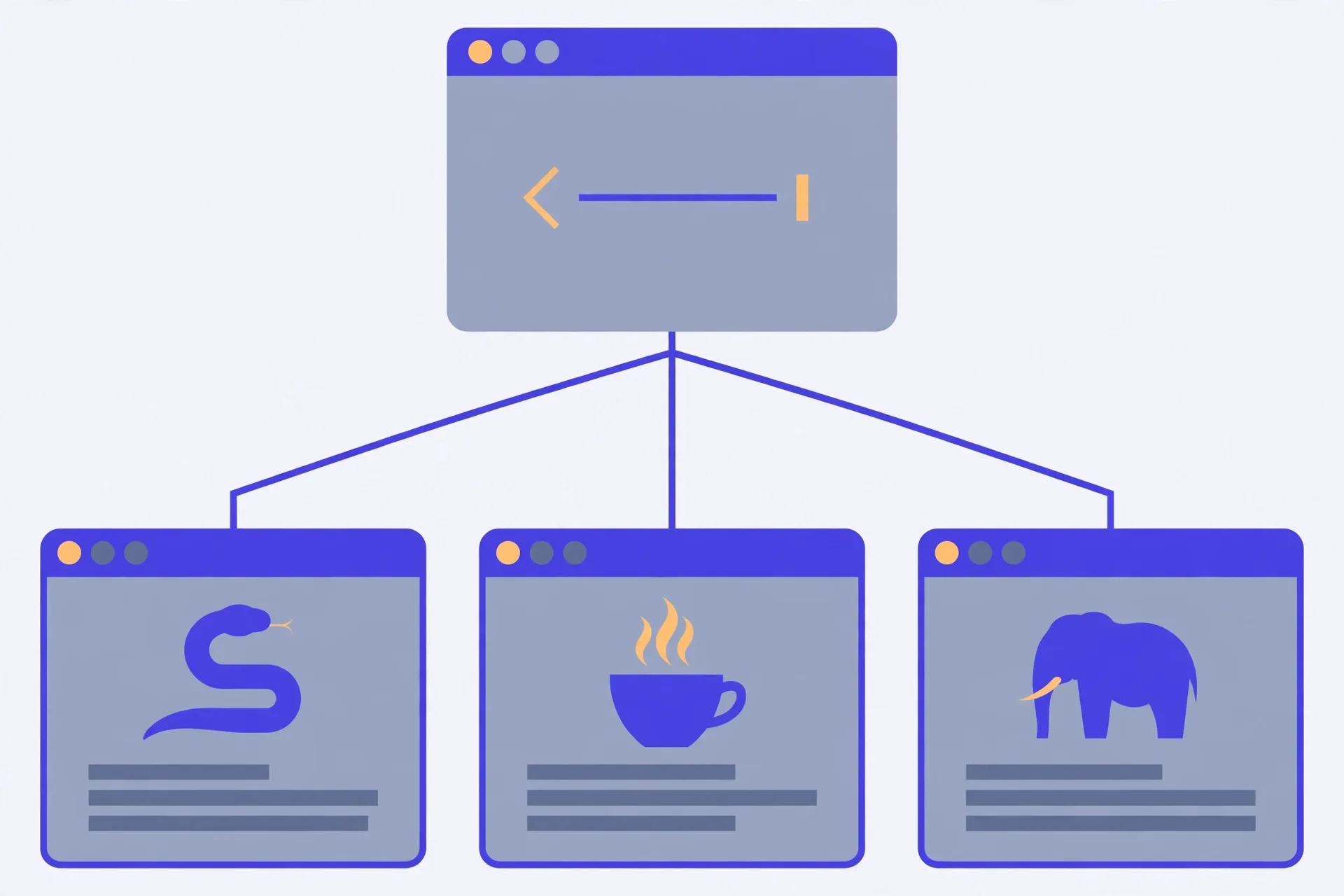
The parsed summary should therefore read: method POST, that exact URL, a header count of two, and a body present. If yours says anything else, stop there. In the Python output, the request becomes a requests.post call carrying the same URL, the same two headers, and the same JSON body. The JavaScript output expresses it as a fetch call with the method, headers, and body set as options, and the PHP output rebuilds it with curl options. The wording differs because the languages differ. The request on the wire shouldn't. That's the standard you test against in step six — same response from the code as from the original command, on a call that's safe to repeat.
Two details in that example generalise. Headers are split at the first colon only, so a value that itself contains a colon, like a time or a URL, survives intact. And basic auth set with -u or --user, in user:password form, is carried into the generated code as the language's usual auth mechanism, rather than being folded into a header by hand.
The flags you'll meet, and what happens to each
Most real-world commands use a small set of flags, and it helps to know how each one is treated. -X and --request set the method directly. -H and --header add one header per flag, so a command with five header flags should show a header count of five. The data family — -d, --data, --data-raw, --data-binary, --data-ascii, and --data-urlencode — all carry the body, and any of them implies POST if no method was set. --url states the address explicitly instead of leaving it as the bare argument, which is handy in commands copied out of scripts.
The shortcuts save typing in terminals and show up constantly in copied commands. -A sets the user agent, -e sets the referer, and -b passes cookie data with the request. All three are understood and carried into the output. -o, which names an output file in the terminal, is consumed and set aside — your code will handle the response itself, so there's nothing to convert. If a flag matters to your request and you can't see its effect in the summary or the output, assume it needs a manual follow-up in code rather than assuming it silently worked.
Before you run it: the keys warning
Here's the step people skip, and it's the one that causes real damage. Curl commands copied from docs, tickets, screenshots, and your own terminal history often contain live keys — an X-Key header, a bearer token, a password sitting inside -u. The moment you paste that command into a converter, a repo, or an issue comment, treat the key as exposed. In the generated code, replace it with an environment variable or a lookup from your secret store before the file is saved, committed, or shared. Never commit the converted snippet with the real value still sitting in it.
Then run it once, safely. Pick a read-only request or a test endpoint for the first run, compare the response with what the original curl returns, and only then wire it into anything that writes data. If the two disagree, go back to the summary and compare the three things it shows you — method, headers, body — against your code line by line. Nine times out of ten the difference is sitting right there, visible, once you look at the parsed version instead of the raw command.
The Verystep cURL to Code converter takes one pasted curl command and writes it out as Python (requests), JavaScript (fetch), and PHP (curl), with a parsed summary of the method, URL, header count, and body so you can check the conversion before you copy it.
Last verified November 18, 2026 — flags and outputs checked against the live Verystep cURL to Code converter, and the worked example parsed by hand: POST to https://api.example.com/v1/items with two headers and the body {"a":1} producing a requests.post call.
Frequently asked questions
Which languages does the converter output?
Three: Python using the requests library, JavaScript using fetch, and PHP using curl. All three are generated from the same parsed command, so the method, URL, headers, and body match across them. You copy the one your project uses and ignore the other two — there's no setting to change first.
My header count in the summary looks wrong. What should I check?
Go back to the pasted command. Headers are added one per -H or --header flag and split at the first colon, so a wrong count usually means a missing closing quote merged two headers into one, or a header got truncated when you copied. Fix the paste itself and let the summary re-parse, rather than editing the generated code to compensate.
Does a data flag set the method for me?
Yes. Using -d or any of --data, --data-raw, --data-binary, --data-urlencode, or --data-ascii implies POST when no method is set explicitly. If the command also carries -X or --request, that explicit method wins. The parsed summary shows the final method the converter settled on, so check it there before you run anything.
The command I copied contains a real API key. Is that a problem?
Treat it as exposed the moment it leaves the terminal. Don't commit, screenshot, or share the command or the converted code with the live key still in either. Replace the key with an environment variable or a secret-store lookup in your code, and rotate the key if it was pasted anywhere shared. Converting doesn't make a leaked key safe.
Can it convert commands with file uploads or saved cookie files?
Don't rely on it for those. The converter covers the common request flags — method, headers, data bodies, basic auth with -u, --url, and the -A, -e, and -b shortcuts, with -o consumed. Workflows built on other flags need that part added by hand in your code after conversion, where you can test it directly.
More guides

The PPWR Empty Space Ratio: Why the 50% Cap Hits Your Shipping Box First
Ask a room of online sellers what the PPWR will change first and most will say labels. The duty with a number in it is quieter: from 2030 at the earliest, no more than half the volume of your shipping box may be empty — and the filler you stuff into it counts as empty.

Counting a Return Window: The EU 14-Day Cooling-Off Period Starts the Day After Delivery
A shop page says “14 days to return”. Fourteen days from when — the order, the dispatch, the delivery? And counted how — in calendar days or working days? EU law answers both questions, and the answers are not the ones most countdown banners use.

How to Check Gift Return Eligibility Without a Receipt
Black Friday is over, the gifts are changing hands, and some of them are the wrong size, the wrong color or the second one you own. There is no receipt — there never is with a gift — so the question is not “can I get my money back?” but “which route does this store actually offer someone in my position, and how long do I have?”