Verystep Guides Verystep Guides
How to Encode and Decode Base64 — Text, Files and Data URLs
Paste, encode, copy — until padding, line breaks or the wrong variant turn a ten-second job into a debugging session.
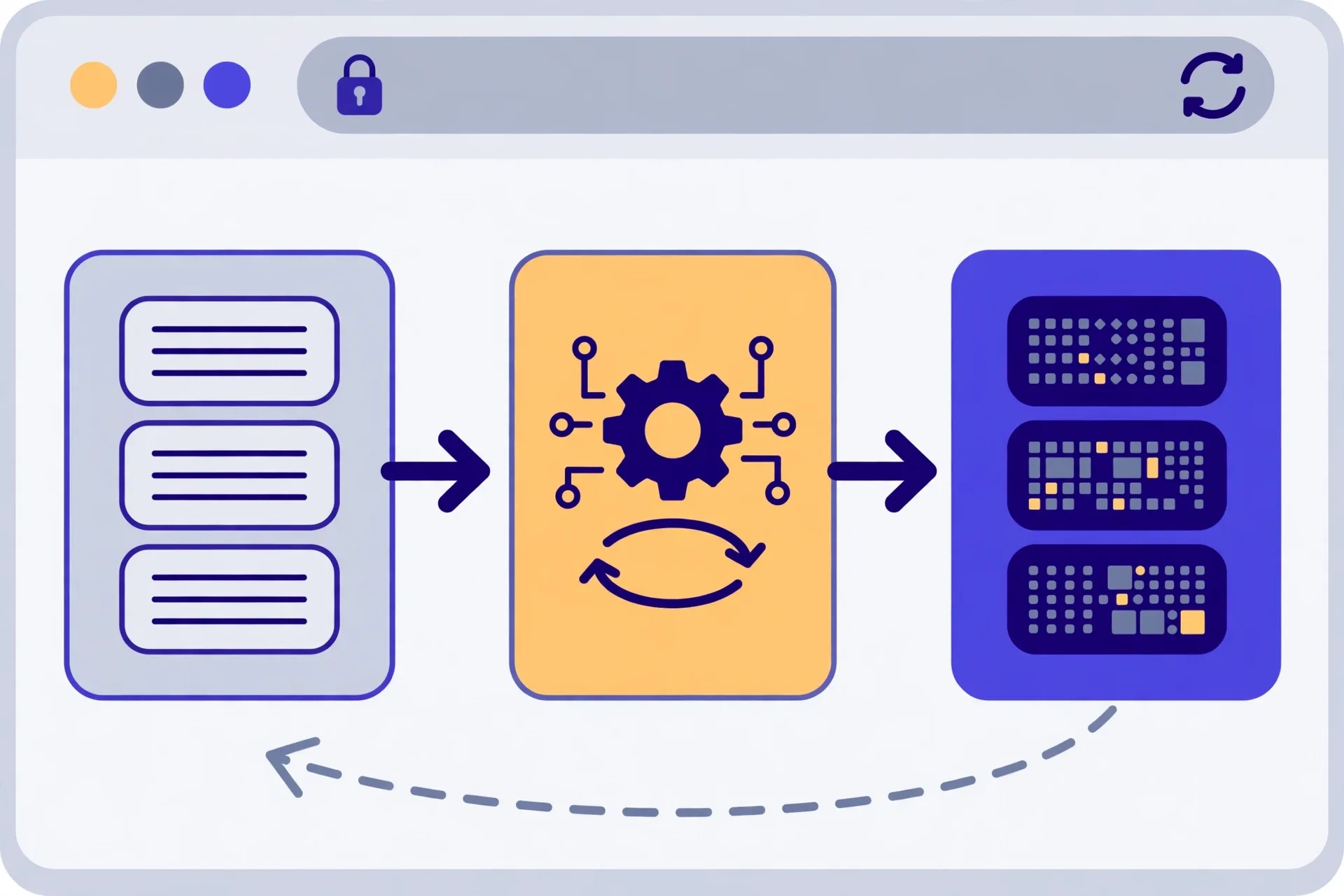
To encode, paste your text into the tool and click Encode; to decode, paste the Base64 and click Decode. That's the core loop. The failures you'll actually hit live around it: missing = padding, line breaks copied from email, Base64URL strings (- and _) fed to a standard decoder, and text that's been encoded twice. This guide walks the steps, shows how to wrap a small text asset like an SVG into a data URL, and flags the one rule you can't break — Base64 is encoding, not encryption, so it hides nothing.
Encode and decode, step by step
You don't need to install anything. You don't need an account either. Open the tool, paste, click. That's most jobs done. The steps below cover both directions, plus the checks that stop a bad paste from turning into a bad deploy.
- Open the Base64 tool and paste the text you want to encode into the input box.
- Click Encode and copy the result — it should use only A-Z, a-z, 0-9, + and /, and end with = padding if needed.
- To decode, paste a Base64 string into the input box instead and click Decode.
- If decoding fails, strip any line breaks or spaces and check that trailing = padding hasn't been trimmed off.
- If you see - or _ in the string, you're looking at Base64URL, so convert or use a decoder that accepts that variant before you retry.
- To build a data URL, wrap encoded text as data: plus the media type, then ;base64, then the encoded data — for an SVG that's data:image/svg+xml;base64, followed by the encoded source.
- Decode your own output once to check it round-trips back to the exact original before you share or ship it.
One size note. Three bytes in become four characters out, so your output grows by about a third. That's normal. A short string stays short, but a long config block or a chunk of JSON will look noticeably fatter once it's encoded, and that's not a bug — it's just how the scheme in RFC 4648 works.
A worked example: turning an SVG into a data URL
Say you've got a tiny icon. It's an SVG, so the file is really just text. You want it inline in CSS instead of as a separate request. Here's the honest workflow, because the tool here encodes text — it doesn't take a binary file upload.
Open the SVG in a text editor and copy the whole source. Paste that source into the tool and encode it. Now build the URL by hand: write data:image/svg+xml;base64, then paste your encoded output straight after the comma, with no space and no line break. Drop that full string wherever the URL belongs.
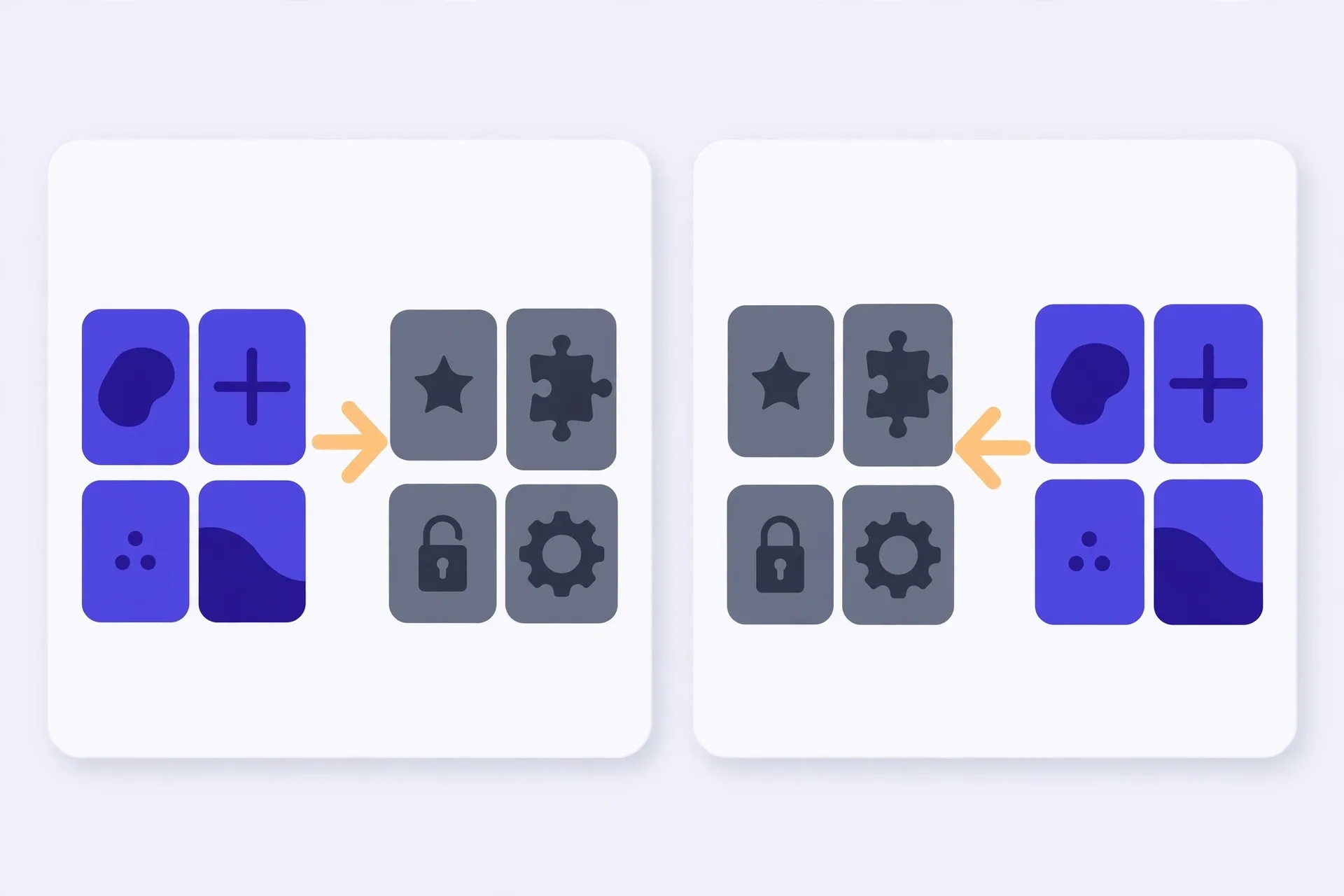
Need the text back later? Don't paste the whole data URL into the decoder. It'll fail, or worse, it'll half-work. Copy only the part after ;base64, — that's the encoded payload — and decode just that. You'll get the original SVG source back, tags and all. Check it opens before you overwrite anything.
Keep this trick small. It suits tiny text-based assets. A big image turned into a data URL bloats your HTML or CSS, can't be cached on its own, and is a pain to update. If the asset isn't small and text-based, link the file instead.
Mistakes that'll waste your afternoon
Double-encoding tops the list. You encode text that's already encoded, then the other end decodes once and sees gibberish that still looks like Base64. If a decode gives you another wall of Base64-looking characters, decode again and ask yourself why it was wrapped twice. Fix the source, don't just keep unwrapping forever.
Variant mix-ups come next. Standard Base64 uses + and /. Base64URL swaps those for - and _ and often drops the padding. Feed Base64URL into a strict standard decoder and you'll get an error or garbled output. Look at the characters first. See a - or a _? You're holding the URL-safe variant. Convert it, or pick a decoder that says it accepts it.
Whitespace bites too. Email loves wrapping long lines, so a string copied from a message may carry line breaks every 76 characters or so. Some decoders shrug that off. Others don't. Strip the breaks, check the length is a multiple of four, and make sure no trailing = got clipped when someone copied the string. A missing = looks trivial. It isn't.
And don't guess at broken output. If you decode and get mojibake, stop. Don't paste it into production and hope. Re-check the variant, the padding, and whether the input was ever Base64 at all.
What Base64 doesn't do
It doesn't hide anything. Anyone can decode Base64 in seconds, with no key and no password, so never treat encoded text as secret. Don't encode a password and call it protected. Don't encode an API key and commit it thinking it's safe. It isn't encrypted, it isn't hashed, and it isn't obfuscated in any way that matters. It's just text wearing a different alphabet so it can travel through systems that only handle plain characters safely.
Use it for transport, not for protection. Email attachments, data URLs, tokens that need to survive a URL or a header — that's its job, and it does that job well. For anything sensitive, you need real encryption, handled somewhere else entirely. That distinction sounds obvious. People still get burned by it, often in public repos.
The Verystep Base64 tool encodes and decodes text — full Unicode included — right in your browser. Paste your text, click Encode or Decode, and copy the result. Nothing's uploaded, so you can round-trip your own output on the spot and check it before you ship it.
Last verified November 14, 2026 — encoding rules checked against RFC 4648 (alphabet, padding, Base64URL variant) and the live Verystep Base64 tool behaviour (text encode/decode in browser).
Frequently asked questions
Is Base64 a form of encryption?
No. There's no key and no password, and anyone can decode it in seconds with any free tool. It's an encoding — a way to carry bytes safely as plain text — so never use it to protect a password, a key, or anything else you need kept secret.
Why does my decode keep failing?
Check three things. First, strip line breaks and spaces copied from email. Second, make sure the trailing = padding hasn't been trimmed — the length should be a multiple of four. Third, look for - or _ characters: if they're there, you've got Base64URL, not standard Base64, and you'll need to convert it or use a decoder that accepts that variant.
Can I encode a file with the Verystep tool?
Not directly — the tool works on text. For a small text-based asset you can open the file's source, encode that text, and wrap it as a data URL, like data:image/svg+xml;base64, plus your encoded SVG source. Binary files and large assets are better linked as files instead.
Why is the encoded output longer than my original text?
Because three bytes become four characters, so you gain roughly a third. That's set by the scheme itself, defined in RFC 4648. Short strings barely change; long pasted blocks will look noticeably bigger, and that's expected.
What's a data URL, in one line?
It's a URL that carries the content inline instead of pointing at a file: data:, then a media type, then ;base64,, then the encoded data. To recover the original text, decode only the part after ;base64, — not the whole URL.
More guides

How to Use an Auto Loan Calculator to Compare Two Offers
Two dealers can quote payments that look almost identical and still be selling you loans that cost hundreds of dollars apart. The calculator shows you where the gap hides.

How to Build a Debt Payoff Order: Avalanche vs Snowball, Step by Step
Paying extra money toward debt only works if the extra money has a target. This guide builds that target: an ordered list, made two different ways, so you can see exactly where each spare dollar goes.

How to Project Compound Growth (and Read the CAGR Mode)
This calculator does two jobs in one place: it projects a balance forward at a rate you set, and it works backwards from two balances to the steady rate that links them.