Verystep Guides Verystep Guides
How to Build a Debt Payoff Order: Avalanche vs Snowball, Step by Step
Paying extra money toward debt only works if the extra money has a target. This guide builds that target: an ordered list, made two different ways, so you can see exactly where each spare dollar goes.

A payoff plan is an ordering problem. You pay the minimum on every debt, then aim whatever extra you can spare at one debt at a time. The two standard ways to pick that target disagree on purpose. The avalanche method ranks debts by APR, highest first, so the most expensive balance gets attacked first. The snowball method ranks by balance, smallest first, so the quickest balance to clear gets attacked first. The calculator builds both orders from the same inputs — each debt's balance, APR and minimum, plus your extra monthly payment — and as each debt clears, its old minimum rolls into the attack payment for the next one.
One attack payment, one target at a time
Here's the mechanism underneath both methods, because the methods are just two ways of sorting the same list. You pay every minimum, every month, no exceptions in the model. Whatever money is left — the extra amount you enter in the calculator — goes entirely to one debt, the first one in your order. That debt shrinks faster. When it hits zero, you don't pocket its old payment. The whole amount, minimum plus extra, rolls forward onto the next debt in the order. The attack payment grows each time a debt clears, which is where the snowball name comes from, even when you're running the avalanche order.
So building a plan isn't about finding more money. It's about deciding the order before the money moves. These steps build that order in the calculator.
Build your payoff order in seven steps
Open the Debt Payoff Calculator and enter your debts before you look at any strategy. An order built on half your balances isn't an order.
- List every debt you owe and enter its current balance, APR, and minimum monthly payment into the calculator, one row at a time.
- Enter the extra amount you can pay each month on top of all the minimums combined.
- Read the avalanche order, which ranks debts from highest APR to lowest, and note which debt it puts first.
- Click Compare strategies to see the snowball order, which ranks debts from smallest balance to largest, next to the avalanche order.
- Pick the order you will actually follow and set your attack payment on the first debt in that order while paying minimums on the rest.
- When a debt reaches zero, roll its entire old payment into the next debt in the order instead of spending the freed money.
- Re-enter your balances whenever a debt clears or a rate changes, and rebuild the order from the fresh numbers.
Step two deserves a pause. The extra amount doesn't have to be large, but it has to be real — money that exists after the minimums are covered. An order built on a payment you can't sustain falls apart the first tight month.
A worked set: three debts, one shared order
Take three debts. Card A: a $1,200 balance at 24.99% APR. Card B: a $3,500 balance at 19.99% APR. And a personal loan: $5,000 at 9.9% APR. Run the avalanche ranking, highest APR first, and the order comes out Card A, then Card B, then the loan. Now run the snowball ranking, smallest balance first. Card A is also the smallest balance, Card B is also the middle one, and the loan is also the largest. Same order: A, then B, then the loan.
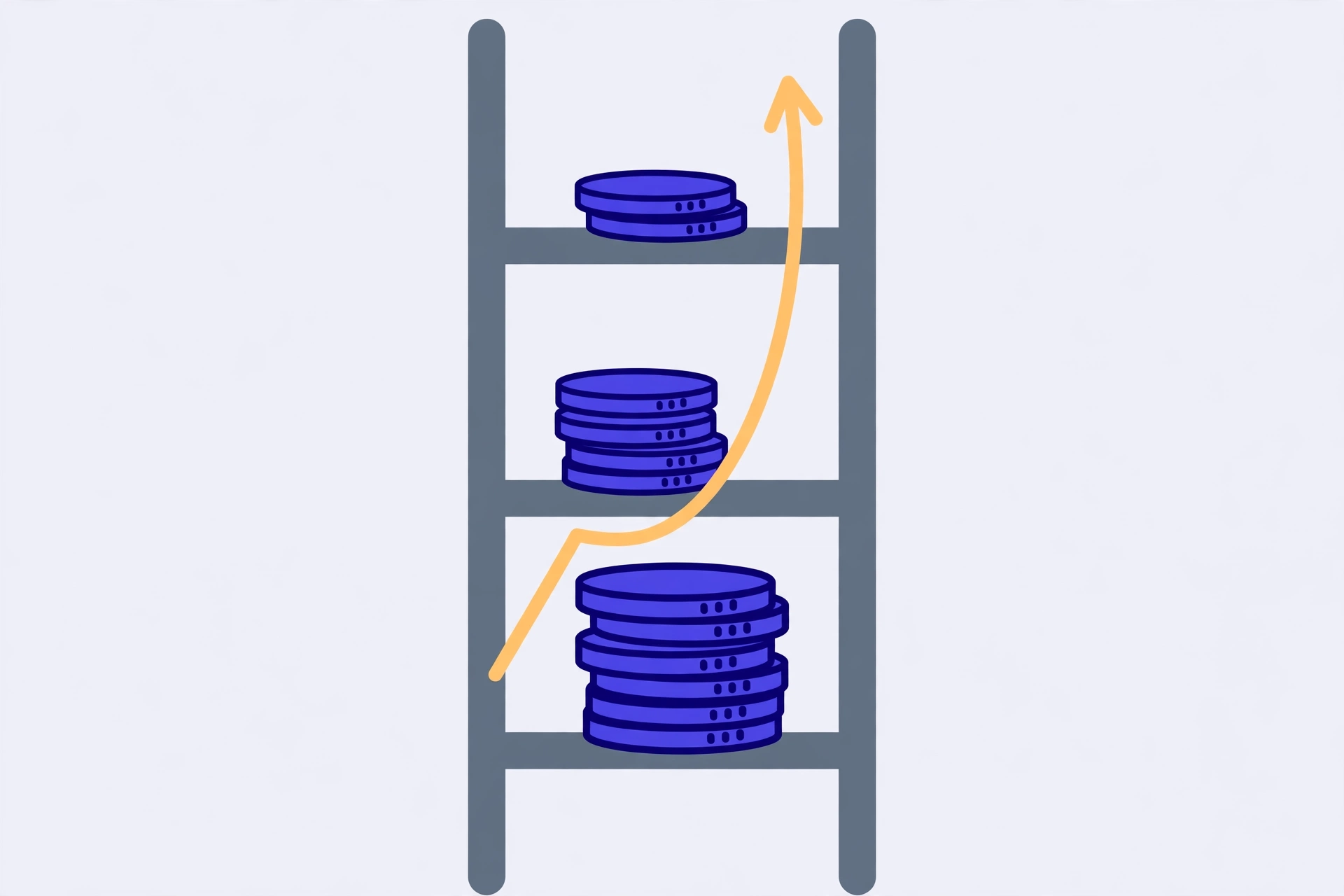
That overlap isn't a trick. It happens whenever the smallest balance also carries the highest rate, which is common with a small store or credit card sitting next to a larger, cheaper loan. In a set like this, the two strategies don't compete. The order is the order, and your only real decisions are the extra amount and whether the roll-forward in step six actually happens when Card A clears.
When the two orders split
Change the shape of the set and the methods pull apart. Picture the smallest balance carrying the lowest rate instead — a small, cheap loan on one side and a large card balance at a high APR on the other. Snowball still puts the small balance first, because balance is the only thing it sorts by. Avalanche puts the expensive card first, because rate is the only thing it sorts by. The first target differs, and so does every roll-forward after it.
That's the real comparison the Compare strategies button gives you. Not a winner declared by the tool, but two concrete orders built from your numbers, so you can see which debt each method attacks first. Read both orders debt by debt. If they're identical, you're done deliberating. If they split, the split itself is the information: one order clears a balance sooner, the other targets the priciest rate sooner, and you pick knowing what each choice trades away.
Keeping the order alive after month one
Balances move. A card you stopped using still accrues interest, a promotional rate expires, a minimum changes. An order built in November can be quietly wrong by February, which is why step seven exists. Each time a debt clears, re-enter the current balances and rebuild. It takes two minutes, and it catches rate changes that quietly reorder the avalanche list.
The other failure mode is the broken roll. A debt clears, the freed money feels like a raise, and it leaks into spending instead of landing on the next target. The plan on screen still shows the roll happening, so the projection and your actual payments drift apart month by month. Guard it the boring way: when a debt hits zero, change the payment instruction for the next debt that same week, while the old payment is still a habit. The order only works if the money follows it.
The Verystep Debt Payoff Calculator lets you add each debt with its balance, APR and minimum payment, set an extra monthly amount, and hit Compare strategies to see the snowball and avalanche orders side by side. Enter your real balances and read the order each method gives you.
Last verified November 16, 2026 — steps and fields checked against the Verystep Debt Payoff Calculator; ordering logic follows standard avalanche (highest APR first) and snowball (smallest balance first) definitions.
Frequently asked questions
What's the actual difference between avalanche and snowball?
Only the sorting rule. Avalanche ranks your debts from highest APR to lowest, so the extra payment attacks the most expensive rate first. Snowball ranks from smallest balance to largest, so the extra payment attacks the quickest balance to clear first. Everything else — minimums on all debts, one attack target, payments rolling forward as debts clear — works the same in both.
The two orders came out identical for my debts. Did I enter something wrong?
Probably not. The orders match whenever your smallest balance also carries your highest APR, and the ranking stays aligned from there. In the worked example, Card A at $1,200 and 24.99% APR is both the smallest balance and the highest rate, so both methods put it first. When the orders agree, there's nothing to choose between them — just follow the shared order.
What happens to a debt's payment when that debt is paid off?
It rolls forward. The minimum you were paying on the cleared debt, plus your extra amount, gets added to the attack payment on the next debt in the order. That's the engine of the whole plan: each cleared debt makes the payment aimed at the next one bigger. If the freed money gets spent instead, the roll breaks and the remaining debts clear more slowly than the plan shows.
How much should I put in the extra payment field?
The honest figure: whatever is left in a normal month after every minimum is covered and your regular costs are paid. Enter that amount, not an optimistic one. You can re-run the calculator with a higher figure to see how the picture changes, but the order you act on should use a payment you can repeat every month, including the tight ones.
A rate on one of my debts changed. Do I need to rebuild the order?
Yes, at least the avalanche side of it. Avalanche sorts purely by APR, so a rate increase or an expiring promotional rate can move a debt up or down the order. Re-enter the balances and rates as they stand now and compare the fresh order with the one you've been following. Snowball only needs a rebuild when the balance ranking itself changes.
More guides

How to Use an Auto Loan Calculator to Compare Two Offers
Two dealers can quote payments that look almost identical and still be selling you loans that cost hundreds of dollars apart. The calculator shows you where the gap hides.

How to Project Compound Growth (and Read the CAGR Mode)
This calculator does two jobs in one place: it projects a balance forward at a rate you set, and it works backwards from two balances to the steady rate that links them.

How to Work Out What an Appliance Costs to Run
An appliance cost is three numbers multiplied together — watts, hours, and the price of a kilowatt-hour. Get those three right and the daily, monthly and yearly figures take care of themselves.