Verystep Guides Verystep Guides
How Many Cartons Really Fit in a 20ft Container — and Why Rough Counts Overshoot
Your volume math says it fits. The container doors say otherwise — here's how to get a count you can book with confidence.
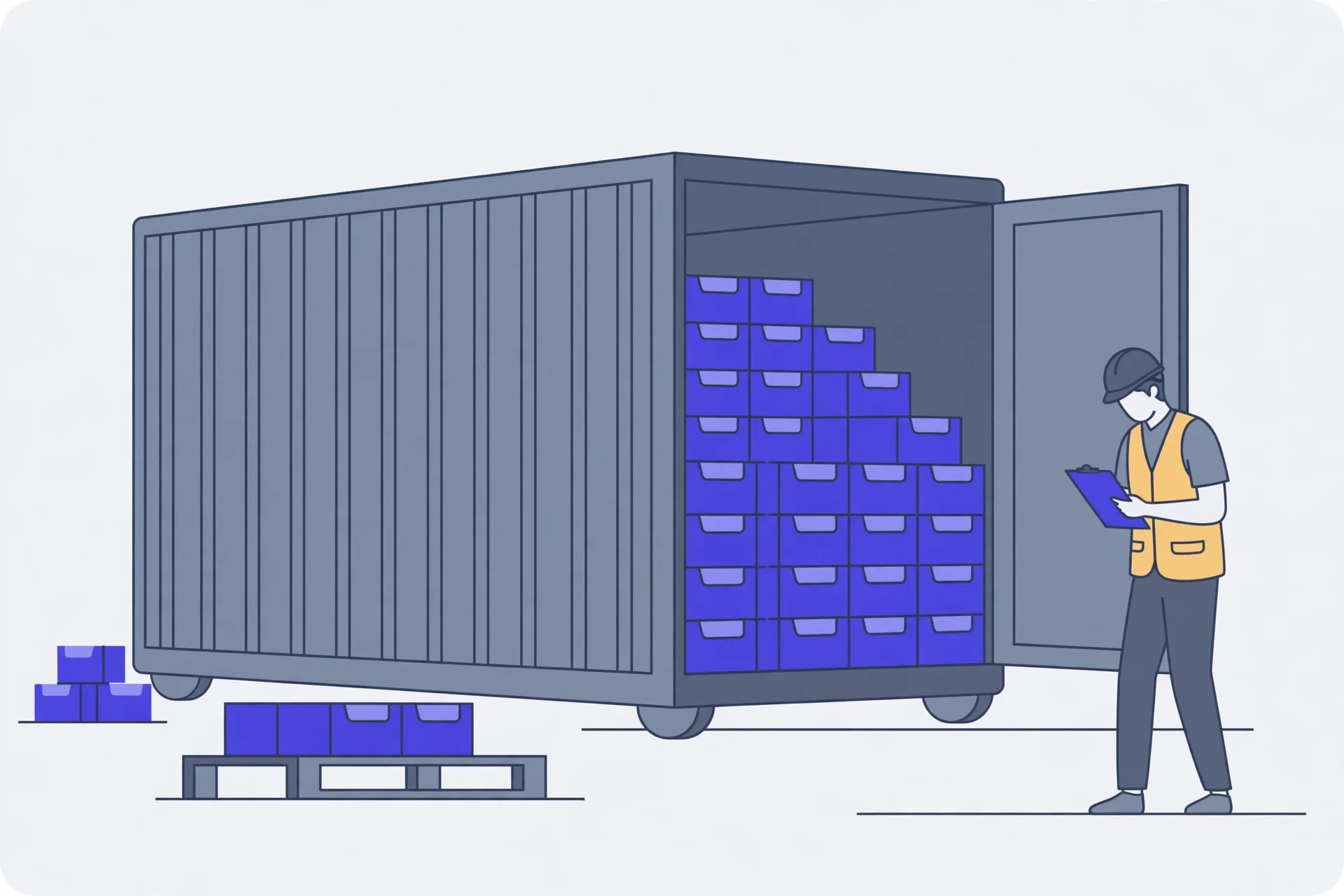
Don't divide the container's 33.2 cubic metres by your carton's volume and trust the result. That shortcut ignores orientation losses, door clearance, stacking limits, and the weight ceiling, so it almost always overshoots. Instead, measure one packed, taped carton, enter its size and gross weight in the calculator, and let it test all six orientations. Read cartons fitted, load rate, and total weight together: a load can cube out on space or weigh out at roughly 28,000 kg of payload, whichever comes first. Leave a buffer, check weight before booking, and adjust carton size or split the shipment if the count misses your order.
Run the count, step by step
Grab a tape, a scale, and one finished carton. That's your starting point. Don't measure the pretty retail box from a product photo, and don't trust the size printed on flat, unbuilt cardboard either. You need the carton as it'll actually travel: packed, taped, and a touch bulged if your goods push out at the sides.
- Measure one packed, taped carton and write down its length, width, height, and gross weight.
- Count how many units go in each carton, then work out how many cartons your full order needs.
- Enter the carton size and weight in the calculator and let it test all six orientations.
- Read the cartons fitted, the load rate, and the total weight together, not just the carton count.
- Leave clearance at the doors and do not plan to fill 100 percent of the internal volume.
- Check the total weight against the payload limit before you book the container.
- If the count misses your order quantity, change the carton size or split the shipment and run it again.
One habit saves real money here. Measure two or three cartons, not one. Suppliers pack with some slack, and a carton that's 1 cm bigger on each side than you assumed can quietly eat a whole row by the time you've stacked hundreds of them. If your samples disagree, use the largest set of numbers.
Why rough counts overshoot
Here's the shortcut everyone tries first. A standard 20ft container, a 20GP, holds about 33.2 cubic metres inside, with internal space roughly 5.90 m long, 2.35 m wide, and 2.39 m high. So you divide 33.2 by your carton's volume and get a big, cheerful number. Then loading day arrives. It doesn't fit.
That math assumes cartons pour like water. They don't. Boxes only stack in fixed orientations, and each orientation wastes different corners. A carton length that fits five times along the floor might leave a dead strip no other box can use. Turn the boxes and you gain some rows but lose others, which is why the calculator tests all six orientations instead of trusting the first layout you picture.
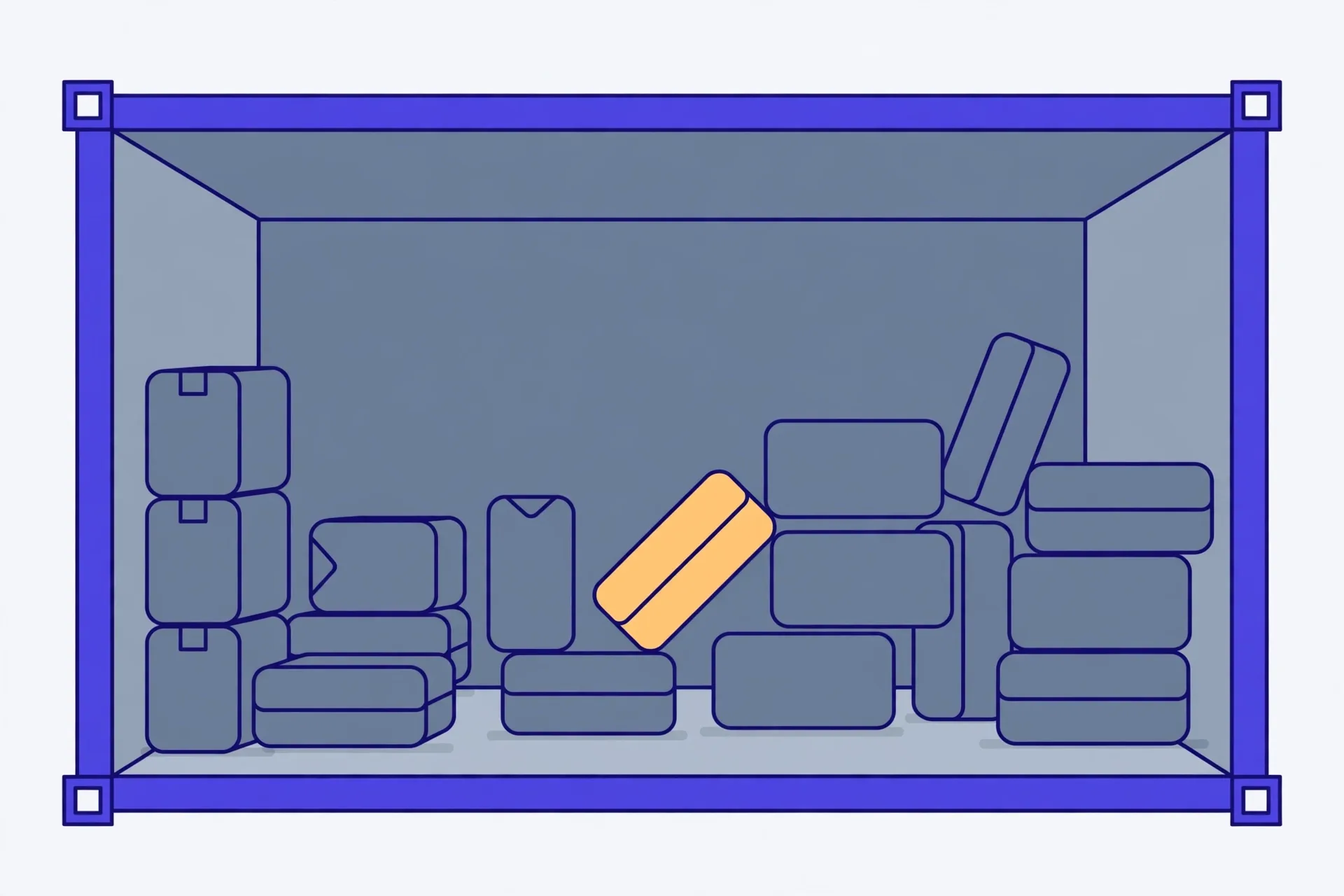
You also lose space you can't pack at all. The doors need clearance to close. The header near the top of the doorway eats a slice. Some cartons can't bear a tall stack, so you stop early even though air sits above them.
A worked scenario: light goods, heavy goods
Say you're shipping cushions. Each carton is big, soft, and light. You'll run out of room fast, with weight to spare. That's cubing out: the load rate climbs toward full while the total weight stays low. Your fix isn't a stronger container. It's smaller cartons, vacuum packing if your product allows it, or accepting a second container.
Now flip it. You're shipping ceramic mugs, dense and heavy in modest boxes. The calculator may show cartons that'd fit by space, but the total weight crosses the payload first. A 20GP's max payload is roughly 28,000 kg, and you should treat that figure as approximate, since the tool states the basis it uses and real containers vary by unit and route. That's weighing out. The load rate can look half empty and you're still done. Split the shipment, or spread it across more containers.
So read the three outputs as a set. Cartons fitted tells you the count. Load rate tells you how much space you've used. Total weight tells you if you're legal and bookable. If you only look at the first number, you'll misread the other two every time.
Mistakes that shrink your load
The classic one: measuring the product instead of the packed carton. Inner boxes, padding, and tape add size on every side. Next up, forgetting the pallet. If your cartons travel on pallets, that height and footprint come out of your space, and your neat floor plan changes. Tell your supplier early whether you're loading floor-stacked or palletised, because you can't swap that decision at the dock.
Another quiet killer is mixed carton sizes. One odd-sized box in the mix can break a tidy stack and leave gaps all around it. Keep sizes uniform if you can. If you can't, run the uniform part through the calculator first, then plan the odd boxes into leftover space near the doors.
And don't plan to 100 percent. A plan that needs every centimetre will fail on the first slightly swollen carton. Leave yourself a small buffer. A load that closes its doors beats a perfect spreadsheet that doesn't.
Before you book
Compare the fitted count with your order quantity. Close isn't good enough if you're short by forty cartons and the rest must fly at air rates. If you're short, you've got three honest levers: shrink the carton, change how many units go in each one, or split the shipment. Try each in the calculator. It's free to test, and it's much cheaper than testing at the warehouse.
Last check, and it's a dull one. Confirm the weight against the payload, confirm your carton count with your supplier in writing, and keep a photo of your measured carton. If a dispute starts later, that photo settles it fast.
Open the 20ft Container Carton Calculator, enter your packed carton size and gross weight, and let it test all six orientations. You'll get cartons fitted, load rate, and total weight in one pass, so you can spot a cube-out or weigh-out before you book.
Last verified November 14, 2026 — container dimensions, internal volume, and payload figures checked as approximate standard 20GP values, matching the basis stated on the Verystep tool page.
Frequently asked questions
Why does dividing container volume by carton volume give the wrong answer?
Because cartons aren't liquid. They only stack in fixed orientations, each one wastes different corners, and you lose space at the doors and header that you can't pack at all. Weight can also stop the load first. The simple division ignores all of that, so it reads high almost every time.
Should I measure the product box or the packed shipping carton?
The packed shipping carton, every time. Measure it filled, taped, and ready to travel, including any bulge. Product boxes and flat cardboard sizes understate the real thing, and that small gap, multiplied by hundreds of cartons, is where whole rows disappear.
What does it mean to cube out or weigh out?
Cubing out means you run out of space while you're still under the weight limit, which is common with light, bulky goods. Weighing out is the reverse: you hit the payload ceiling, roughly 28,000 kg for a 20GP, with space left over. Which one you'll hit tells you whether to shrink cartons or split the load.
How much empty space should I leave?
Don't plan to 100 percent of the internal volume. You need clearance so the doors close, and real cartons vary a bit in size. A small buffer, planned on purpose, is cheaper than a load that won't shut or a last-minute second booking.
My count is short of my order quantity. What can I change?
You've got three levers. Shrink the carton or pack it tighter, change how many units go in each carton, or split the shipment across containers. Test each option in the calculator first. Changing a carton spec with your supplier early costs far less than short-shipping or flying the remainder.
More guides

How to Use an Auto Loan Calculator to Compare Two Offers
Two dealers can quote payments that look almost identical and still be selling you loans that cost hundreds of dollars apart. The calculator shows you where the gap hides.

How to Build a Debt Payoff Order: Avalanche vs Snowball, Step by Step
Paying extra money toward debt only works if the extra money has a target. This guide builds that target: an ordered list, made two different ways, so you can see exactly where each spare dollar goes.

How to Project Compound Growth (and Read the CAGR Mode)
This calculator does two jobs in one place: it projects a balance forward at a rate you set, and it works backwards from two balances to the steady rate that links them.