Why Damaged QR Codes Still Scan: Error Correction Explained
The torn poster still scans, the scuffed label still scans. That’s not scanner magic — it’s spare data, built into the grid before the code was ever printed.
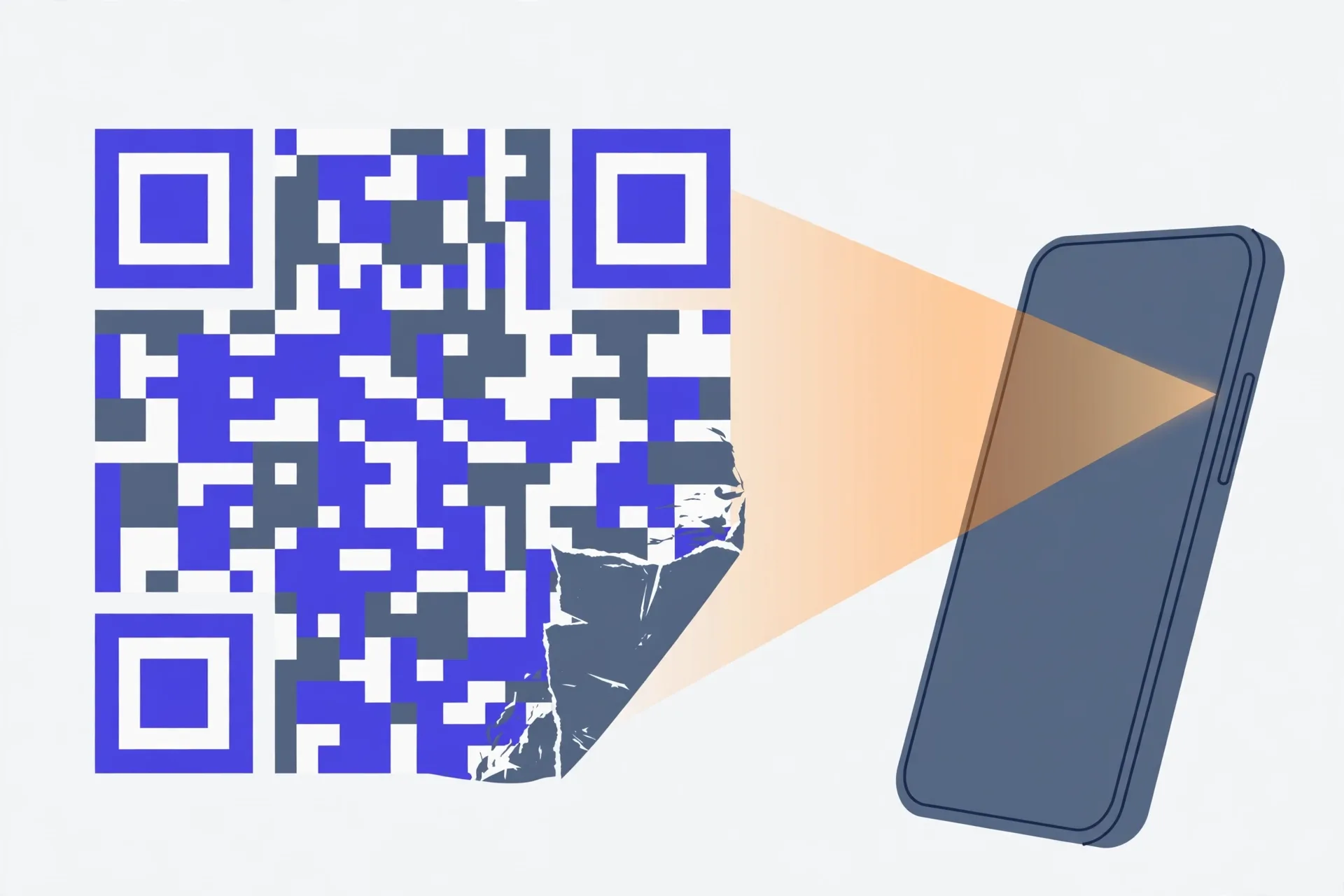
QR codes survive damage because they carry Reed-Solomon error correction: alongside your data, the generator stores extra codewords that let a reader mathematically rebuild modules that are torn, dirty or missing. How much can be rebuilt depends on the level chosen at generation — L recovers about 7% of codewords, M about 15%, Q about 25% and H about 30%. Those are shares of codewords, not of the printed square: damage a corner finder pattern and a code can fail with most of its data intact. Higher levels protect more but make the grid denser, which is why M is the everyday default — and the level the generator below uses.
Redundancy, not luck
Tear a corner off a printed QR code, scuff it, let a coffee ring dry across it — and half the time your phone still reads it. That's not the scanner being clever. It's the code carrying spare copies of its own data, woven in before it was ever printed.
The mechanism is Reed-Solomon error correction, the same family of mathematics that kept scratched CDs playing. When a QR code is generated, your text is first turned into codewords — chunks of data. The generator then appends extra "correction" codewords that describe the originals mathematically. If some modules are later destroyed, the reader doesn't guess what they said. It solves for them, the way you can solve for one missing number in an equation when everything else is known.
Two limits follow. Correction can rebuild data modules that are damaged or unreadable. It can't rebuild the code's own scaffolding — more on that below — and it can't help if the damage runs past the budget the generator chose. Which raises the obvious question: who chooses the budget?
Four levels, four damage budgets
Every QR code is made at one of four error-correction levels. The level decides what share of the codewords can be wrong or missing while the message still comes back intact:
| Level | Codewords recoverable | Typical job |
|---|---|---|
| L (Low) | about 7% | Clean screens and pristine print, where capacity matters most |
| M (Medium) | about 15% | General use — the default in most generators, including the one below |
| Q (Quartile) | about 25% | Outdoor posters, factory floors, anything weather touches |
| H (High) | about 30% | Codes with a logo printed over the middle, or harsh conditions |
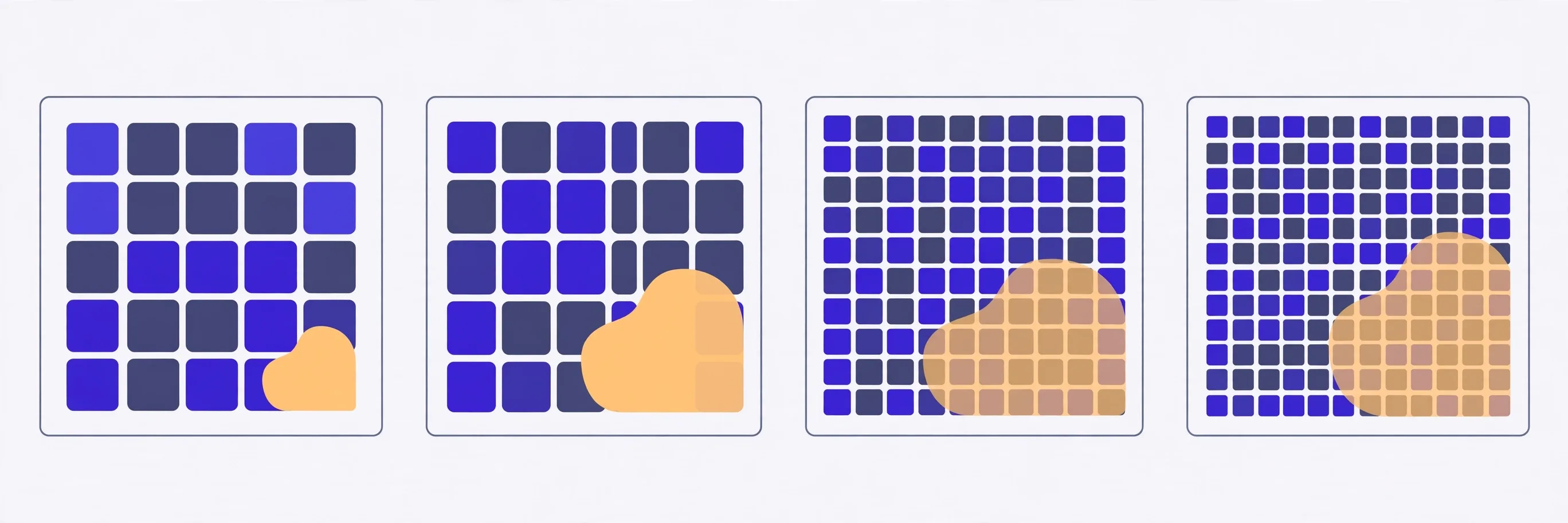
Read those percentages carefully. They're a share of codewords, not a share of the printed square you can safely scribble over. Thirty per cent damage sounds like a licence to cover a third of the code. It isn't — where the damage lands matters as much as how much there is. Still, as a rule of thumb they're honest: an H-level code survives abuse that kills an L-level one.
There's no free lunch here. Correction codewords take up room in the grid, so for the same text, a higher level means a denser code — more, smaller modules. A dense code printed tiny is harder for a phone camera to resolve in the first place. You're always trading: capacity and printability on one side, damage tolerance on the other. M exists because it's usually the sensible middle.
What correction can't save
A QR code isn't all data. Three corners carry the big finder patterns — the nested squares a scanner uses to locate the code and work out its rotation. Smaller alignment patterns help it map a code that's curved or photographed at an angle. And a thin strip of format information near the finder patterns tells the reader which correction level the code uses; it's stored twice, in two places, for obvious reasons.
Damage those structures and the percentage table stops mattering. A code with a finder pattern torn off may hold 95% of its data and still never be found by the scanner — the reader can't start. Cover the white border — the quiet zone — with a busy design, and some scanners won't recognise the code as a code at all.
Two more failure modes aren't damage in the correction sense. Low contrast — light grey modules on white, say — gives the camera nothing to separate, however intact the data is. And a code printed too small, or photographed blurry, fails optically before any mathematics gets a chance. Correction fixes missing modules. It can't fix a picture the scanner never managed to take.
Why the logo goes in the middle
You've seen branded codes with a logo sitting right in the centre, apparently vandalising the data. Now you know the trick: those codes are generated at level H, and the logo is sized to eat less than the roughly 30% budget. The centre is the polite place to do it — away from the finder patterns in the corners and away from the format strips beside them.
Polite isn't the same as safe. A logo that's slightly too big produces a code that scans on the designer's phone and fails on a customer's older one. If you cover any part of a code, treat the budget as already half spent, and test the printed result, at final size, on more than one phone. The generator below uses level M, so don't cover its codes at all: M's 15% is a damage allowance, not a design feature.
Picking a level, step by step
- Ask where the code will live. On a screen or clean indoor print, L or M is plenty — screens don't get scratched the way posters do.
- Weather, pockets, keyrings, warehouse shelving? Step up to Q. The denser grid is the price of survival.
- Planning to print anything over the code, or expecting real abuse? H — and keep whatever covers it small and dead centre.
- Keep the payload short. A short URL needs fewer codewords than a page of contact details, so the same level protects a short code more comfortably.
- Print at a sane size with a clean white border, then test the physical thing — scuffed, at arm's length, in bad light. The code you ship is the printed one, not the file.
The Verystep QR Code Generator builds standard static codes with medium (M) error correction — the roughly 15% damage budget this guide recommends for general use. Type a link or text, download the PNG, and test the printed result before you rely on it. It runs in your browser; the text you enter is never sent anywhere.
Last verified November 1, 2026 — the four error-correction levels and recovery shares (L ~7%, M ~15%, Q ~25%, H ~30%) match the reference table on the generator below; the Verystep generator creates static codes at level M.
Frequently asked questions
How much of a QR code can be damaged before it stops working?
It depends on the error-correction level set when the code was made: roughly 7% of codewords at level L, 15% at M, 25% at Q and 30% at H can be lost or wrong and still be rebuilt. Where the damage lands matters too — a destroyed finder pattern can kill a code whose data is mostly intact.
Why do QR codes with logos in the middle still scan?
They’re generated at level H, and the logo is kept smaller than the roughly 30% recovery budget and placed in the centre, away from the finder patterns and format information. The covered data is simply rebuilt from the correction codewords. Oversize the logo and the code starts failing on some phones.
What error-correction level does the Verystep generator use?
Medium (M) — about 15% of codewords recoverable. That’s the general-purpose setting: enough tolerance for scuffs and small print imperfections, without making the grid as dense as Q or H would for the same text. Don’t print logos over M-level codes.
Can error correction fix a blurry or low-contrast code?
No. Correction rebuilds modules the reader detected wrongly or couldn’t read; it can’t help when the camera never captured a usable image in the first place. Blurry photos, grey-on-white printing and codes printed too small fail optically, before correction gets a chance.
Does a higher level make the code bigger?
Not bigger on the page — denser. The correction codewords occupy grid space, so the same text at H needs more, smaller modules than at L. Printed at the same physical size, a high-level code is simply harder for cameras to resolve, which is the trade you’re making for damage tolerance.
More guides
Hex, RGB, HSL — and the Contrast Ratio Your Text Needs
Three formats, one colour — and a fourth number, the contrast ratio, that none of the three will tell you. That’s the one your readers feel.
UUIDs Explained: v4, v7, and When the Version Matters
One digit in the middle of the string tells you how the whole ID was made — random roll, timestamp, or a hash of a name. Sometimes that digit is trivia. Sometimes it’s the design.

How GPA Is Calculated: Weighted, Unweighted and the 4.0 Scale
There's no registrar magic in a GPA. There's one weighted average — and the weights are the part everyone forgets.